djvu.app vs file-converter-online.com for DjVu to PDF
Facts checked October 22, 20263 min read
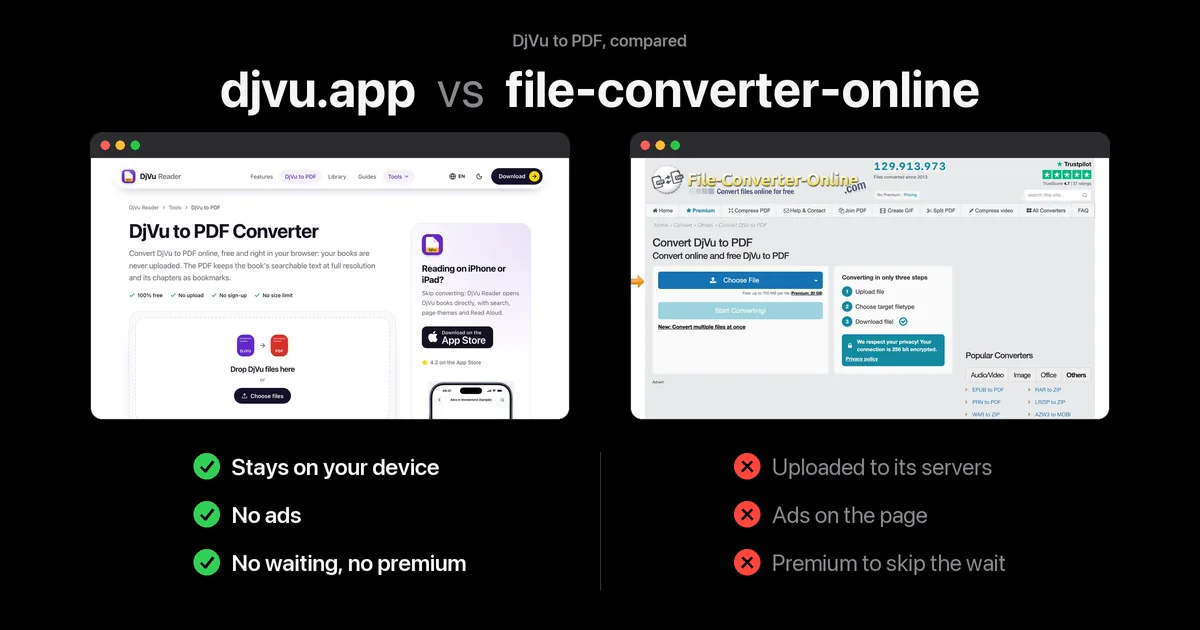
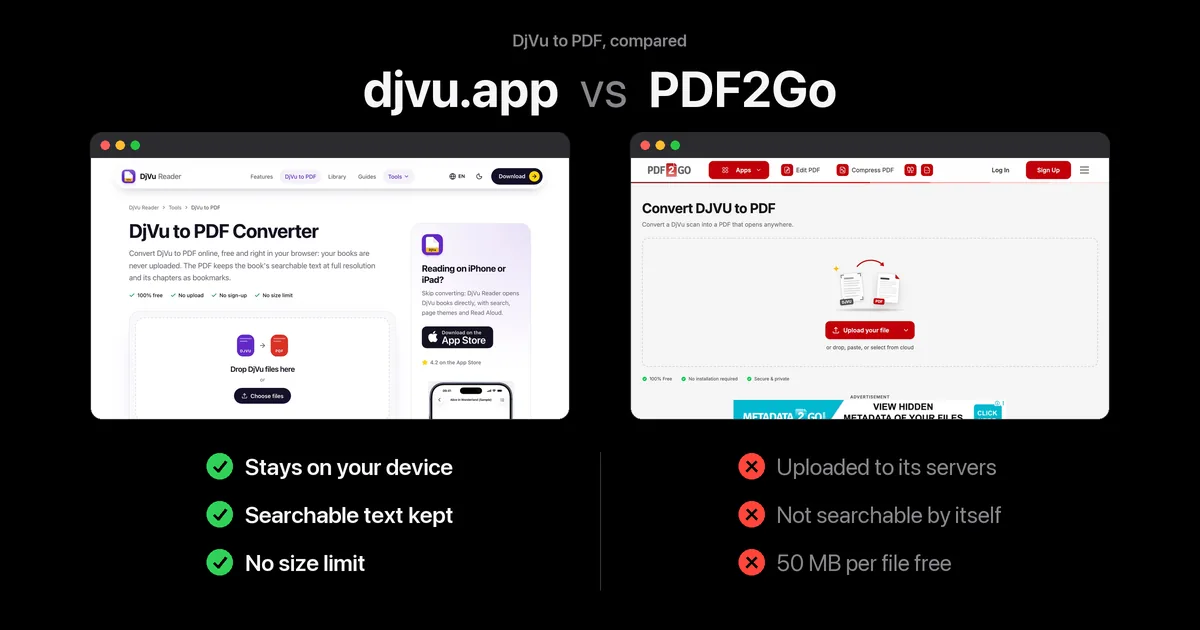
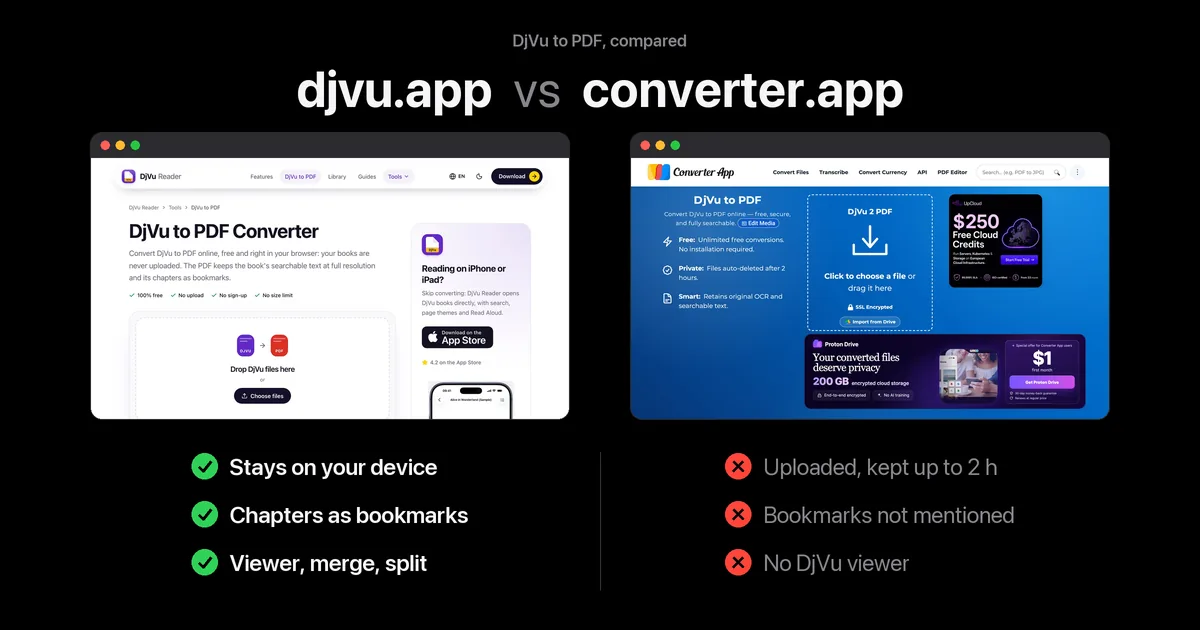
file-converter-online.com, from Leipzig, converts DjVu to PDF, EPUB, AZW3 and MOBI on servers in Germany, with a DPI choice of 75 to 600, free up to 750 MB per file with ads, and a premium tier from €5.99 without a subscription. djvu.app does its conversions in your browser, with no upload and no ads.
Side by side
| Feature |  djvu.app | file-converter-online.com |
|---|---|---|
| Where your file goes | YesStays in your browser; nothing is uploaded | NoUploaded to servers in Germany; deleted after conversion |
| Price | YesFree, no plans, no credits | PartlyFree with ads; premium from €5.99 without a subscription, no waiting time, up to 20 GB |
| File size limit | YesNone | Partly750 MB free, 20 GB premium |
| Daily limits | YesNone | PartlyNot stated; premium removes the waiting time |
| Account | YesNone | YesNone |
| Ads | YesNone | NoYes |
| Searchable text in the PDF | YesKept, with the book's chapters as PDF bookmarks | YesA text layer in the DjVu is included in the PDF; bookmarks not mentioned |
| Scans without a text layer | PartlyPages without a text layer stay images (no OCR) | PartlyA separate PDF OCR tool |
| Batch | YesSeveral books at once, downloaded as one ZIP | PartlyPromoted for the premium site |
| Other DjVu tools | YesViewer; DjVu to PDF, JPG, PNG, TXT, Word, EPUB, FB2; PDF and JPG to DjVu; merge, split, compress | YesDjVu to EPUB, AZW3, MOBI; EPUB, AZW3 and MOBI to DjVu; DPI 75 to 600; no viewer |
| Works on | YesAny device with a recent browser (Safari 16.4, Chrome 111, Firefox 128 or later) | YesAny browser |
The other side's facts come from its App Store page or website on the date above, ours from the app and this site. Something changed? Tell us at support@djvu.app and we'll update the page.
How the two work
file-converter-online.com uploads the file over an encrypted connection to its German servers, converts it and deletes it after conversion; free users may wait, and the page carries ads. djvu.app runs the converter in your browser on your device, so there is no upload, no wait and no ad.
Where file-converter-online.com is better
It offers choices most converters don't.
- DPI setting: 75, 150, 300 or 600 dpi for the pages, a real control over size and detail.
- E-books both ways: DjVu to EPUB, AZW3 and MOBI, and those formats back to DjVu.
- A large free limit: 750 MB per file, with servers in Germany for those who care where the data goes.
Where djvu.app is better
The things it doesn't make you do.
- No upload: the book stays on your device, which beats any server location.
- No ads, no waiting, no premium: the free tier is the only tier.
- Chapters as bookmarks: on top of the text layer, which both keep.
- Word, FB2, JPG and PNG output, PDF and JPG to DjVu, a viewer, and merge, split and compress.
Which to use
If you need to pick a DPI or go from MOBI back to DjVu, file-converter-online.com is a reasonable choice. For DjVu to PDF, EPUB or Word without uploading, the DjVu to PDF converter, DjVu to EPUB and DjVu to Word here are free and keep the file on your device.
Common questions
- Does file-converter-online.com keep the text layer?
- Yes, its page says a text layer in the original DjVu is included in the PDF. djvu.app keeps it as well and adds the chapters as PDF bookmarks.
- What is its free limit?
- 750 MB per file, with ads and possible waiting; premium from €5.99 raises it to 20 GB. djvu.app has no limit because it converts on your device.
- Can I choose the resolution on djvu.app?
- The DjVu to PDF converter has quality settings rather than a DPI figure; it keeps the text at full resolution in every setting.
Try DjVu Reader for yourself.
Free on the App Store for iPhone and iPad.