djvu.app vs converter.app for DjVu to PDF
Facts checked October 22, 20263 min read
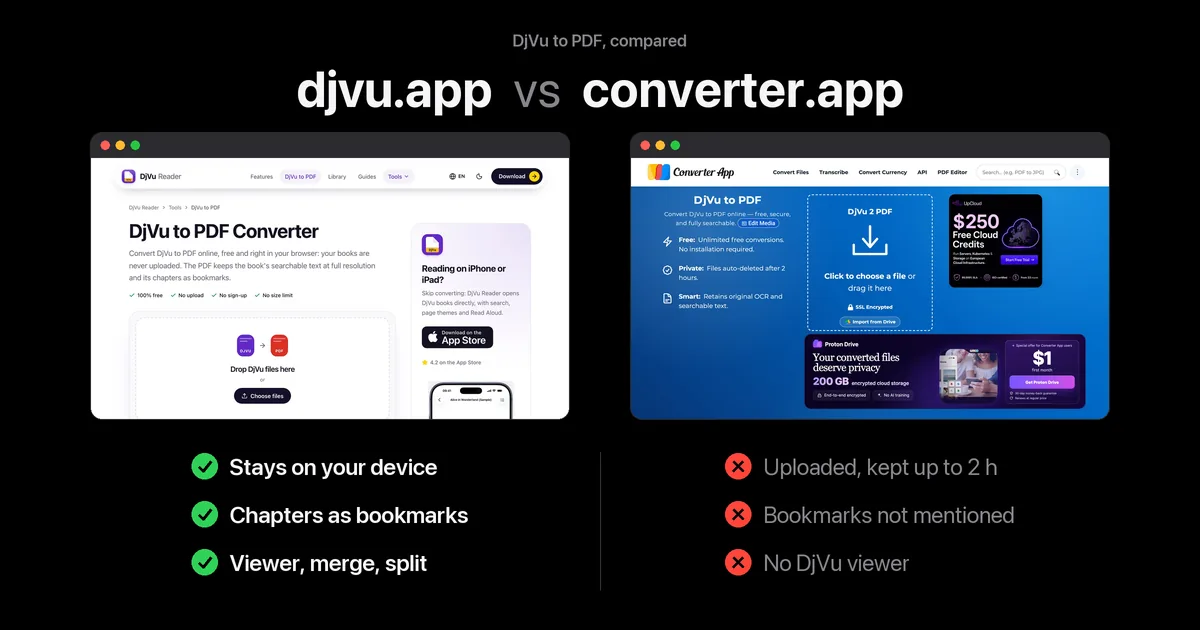
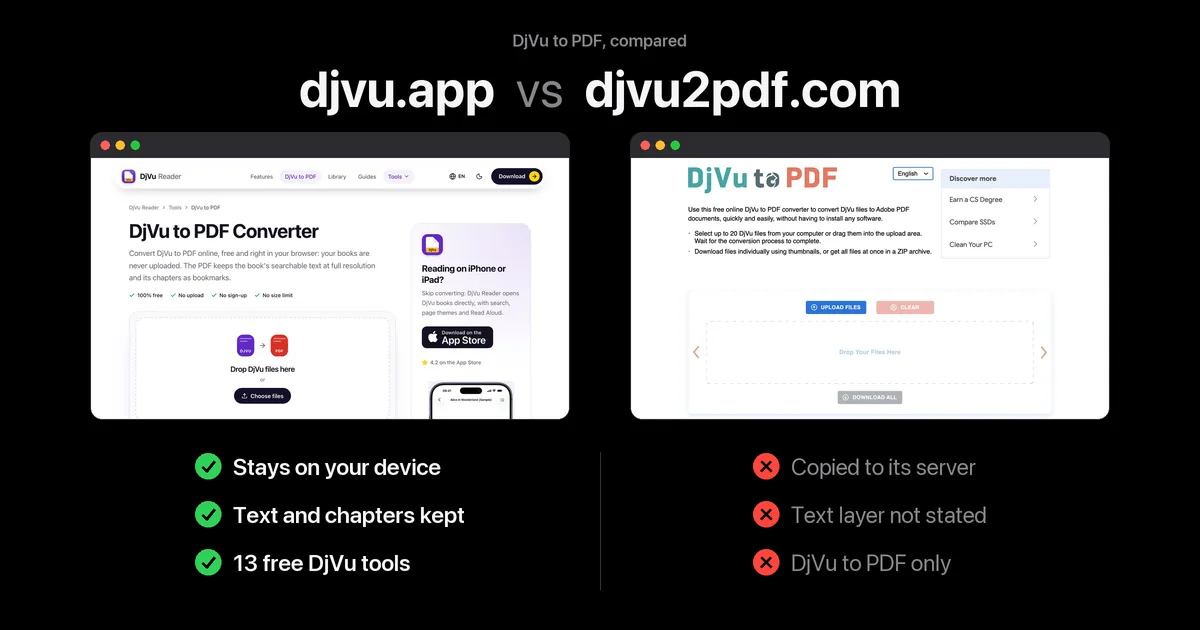
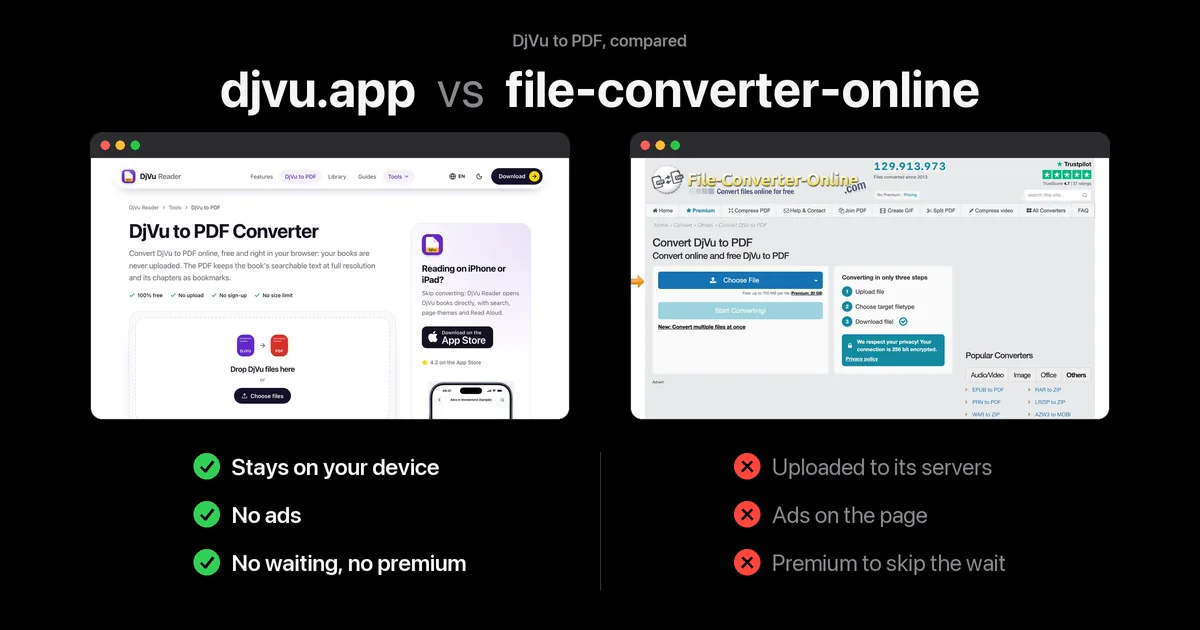
converter.app is the “official successor” of djvu-pdf.com, from the same Estonian team: free DjVu to PDF, JPG, MOBI, Kindle, FB2 and TXT, and PDF to DjVu, with no limits on file size or number of conversions, by its own account, processed in the cloud and deleted within two hours. djvu.app covers the same conversions in your browser, with no upload.
Side by side
| Feature |  djvu.app | converter.app |
|---|---|---|
| Where your file goes | YesStays in your browser; nothing is uploaded | NoProcessed in the cloud; deleted within 2 hours (its pages also say “immediately”) |
| Price | YesFree, no plans, no credits | YesFree; no premium tier |
| File size limit | YesNone | Yes“No limits on file size” |
| Daily limits | YesNone | YesUnlimited |
| Account | YesNone | YesNone |
| Ads | YesNone | PartlyNot stated on its page |
| Searchable text in the PDF | YesKept, with the book's chapters as PDF bookmarks | Yes“Retains original OCR and searchable text”; bookmarks not mentioned |
| Scans without a text layer | PartlyPages without a text layer stay images (no OCR) | PartlyA flat scan stays a flat scan |
| Batch | YesSeveral books at once, downloaded as one ZIP | PartlyPDF to DjVu one file at a time; batch for DjVu to PDF not stated |
| Other DjVu tools | YesViewer; DjVu to PDF, JPG, PNG, TXT, Word, EPUB, FB2; PDF and JPG to DjVu; merge, split, compress | YesDjVu to JPG, MOBI, Kindle, FB2, TXT; PDF to DjVu; no viewer |
| Works on | YesAny device with a recent browser (Safari 16.4, Chrome 111, Firefox 128 or later) | YesAny browser; browser extensions; API link |
The other side's facts come from its App Store page or website on the date above, ours from the app and this site. Something changed? Tell us at support@djvu.app and we'll update the page.
How the two work
converter.app uploads the book to its cloud, converts it and removes it afterwards; its pages describe the deletion both as within 120 minutes and as immediate once the download ends, and say nobody views or mines the content. djvu.app runs the converter in your browser on your device, so there is no upload and no retention to describe.
Where converter.app is better
Within the cloud model, converter.app gets a lot right.
- Unlimited and free: no size limit, no quota, no account, no premium tier.
- Text layer kept: it states that the original OCR and searchable text are retained.
- MOBI and Kindle output alongside PDF, JPG, FB2 and TXT, and browser extensions.
- The old address still works: djvu-pdf.com redirects here, so bookmarks from years ago land on the right page.
Where djvu.app is better
The same freedom, without the cloud.
- No upload: the book never leaves your device, so there is no two-hour window to think about.
- Chapters as bookmarks: the book's contents become PDF bookmarks and inside links keep working; converter.app mentions the text layer but not bookmarks.
- Batch: several books at once, downloaded as one ZIP.
- A viewer and editing: read DjVu online, merge, split and compress, and go from JPG to DjVu, all on one site.
Which to use
If you want MOBI for a Kindle and don't mind the upload, converter.app does that well. For DjVu to PDF with the text layer and chapters kept, and nothing leaving your device, use the DjVu to PDF converter here; DjVu to EPUB and DjVu to FB2 cover e-readers.
Common questions
- Is converter.app the same as djvu-pdf.com?
- djvu-pdf.com now redirects to converter.app, which calls itself the official successor from the same team.
- Do both keep the text layer?
- Yes. converter.app states that it retains the original searchable text; djvu.app keeps it too and adds the book's chapters as PDF bookmarks. Neither recognises text in a scan that has none.
- Which one uploads my file?
- converter.app processes files in the cloud and deletes them afterwards. djvu.app converts in your browser and uploads nothing.
Try DjVu Reader for yourself.
Free on the App Store for iPhone and iPad.