Read DjVu on iPhone & iPad
A beautiful DjVu reader and viewer: open, search and listen to your scanned books.
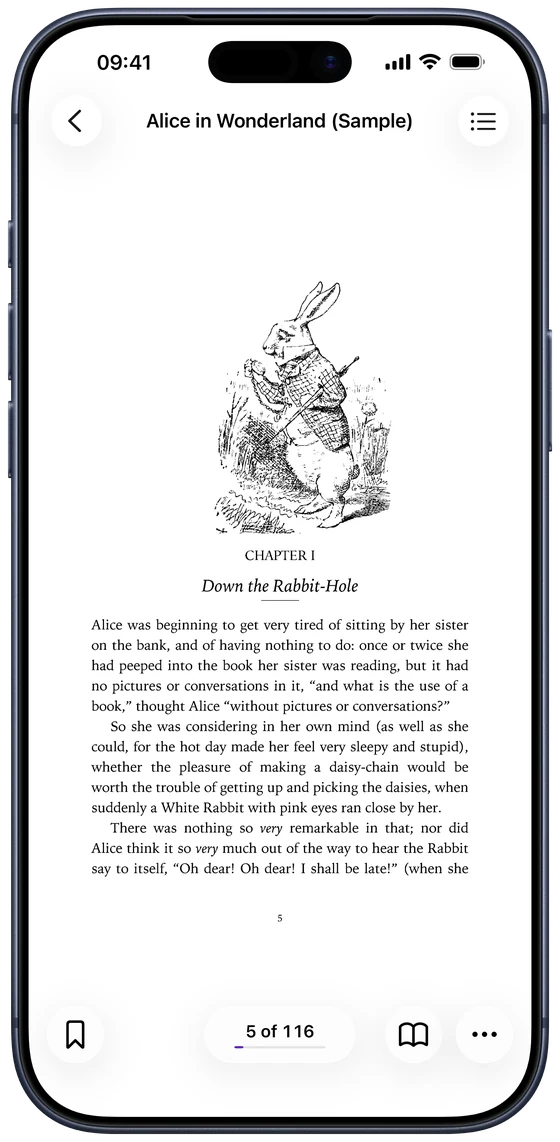
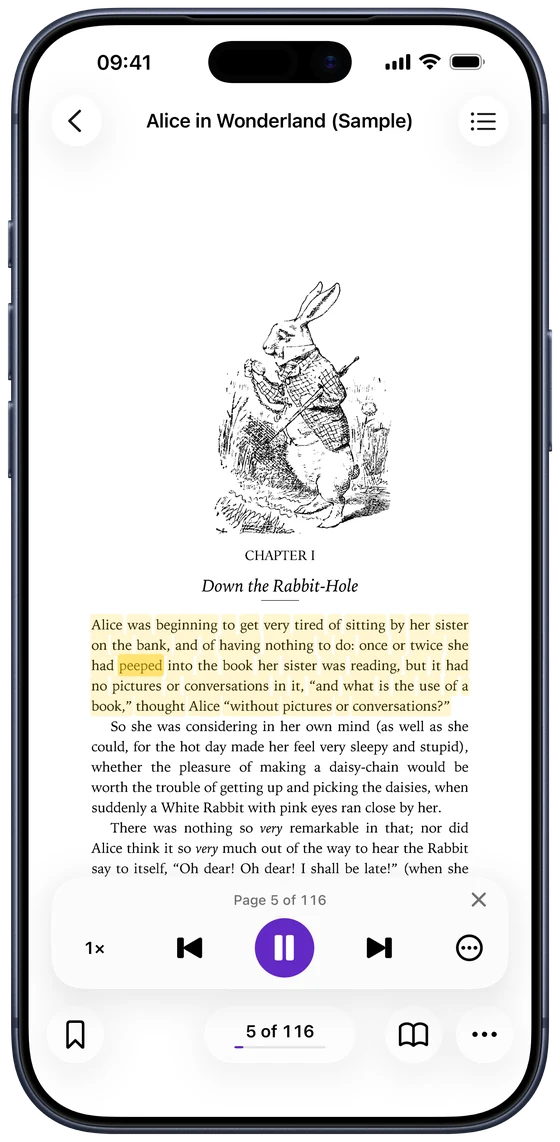
Listen to DjVu books aloud.
Read Aloud follows along word by word, even on scanned pages, and keeps going with the screen locked.
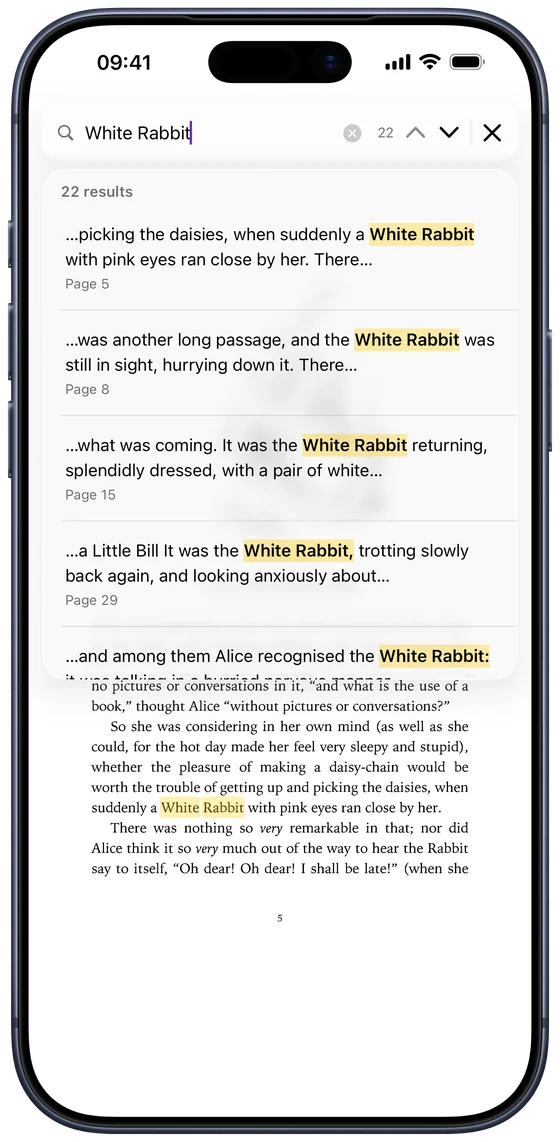
Search inside scanned DjVu books.
Find any word in the whole book, even on pages that are only images.
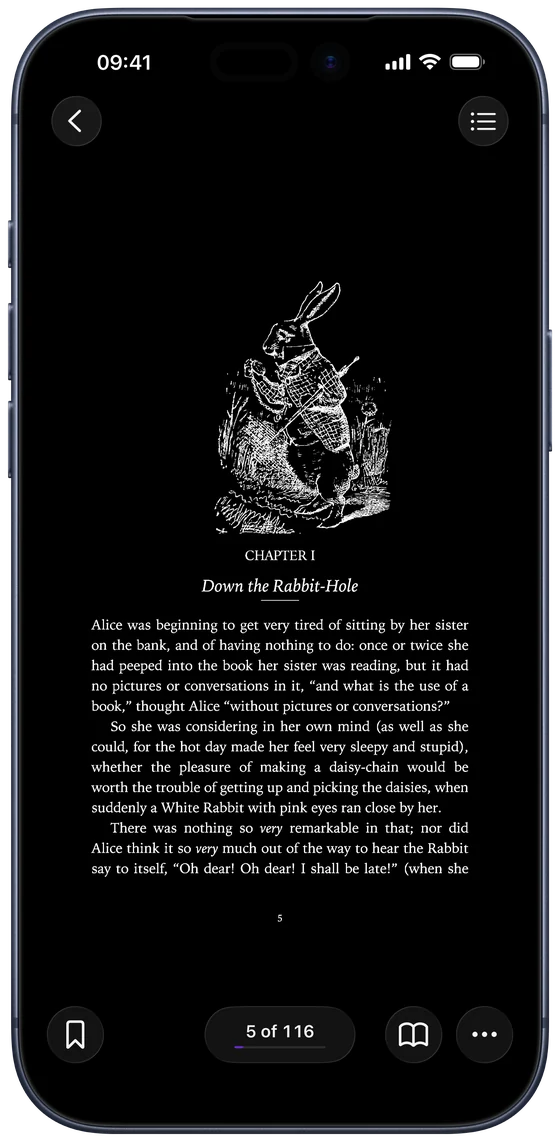
Night mode for DjVu pages.
Turn yellowed scans clean white, warm sepia or night black.
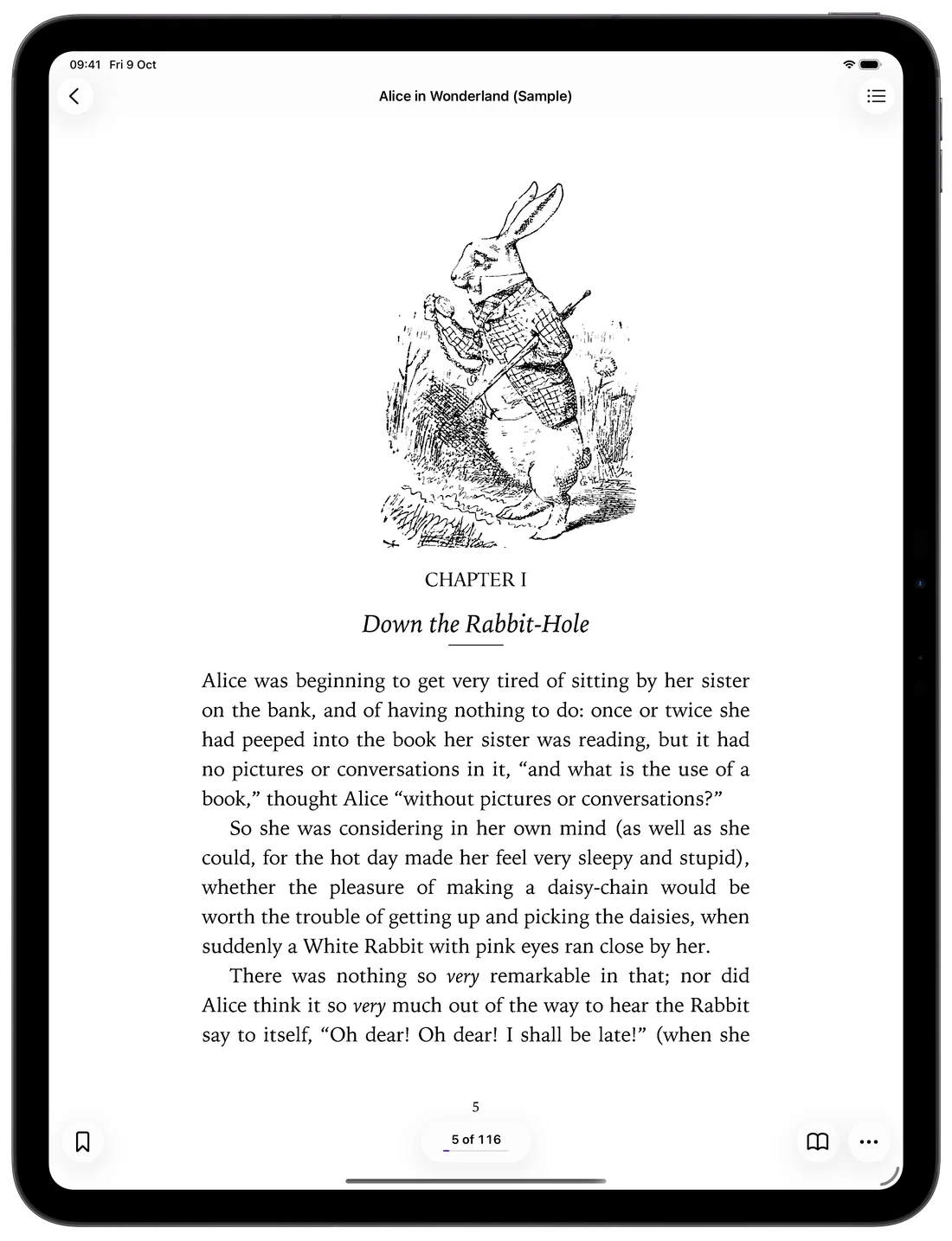
DjVu on iPad: big pages, big screen.
On iPad, every DjVu page fills the screen, with two-page spreads in landscape.
More DjVu Reader features.
Extract text
Copy text from any page, or export the whole book.
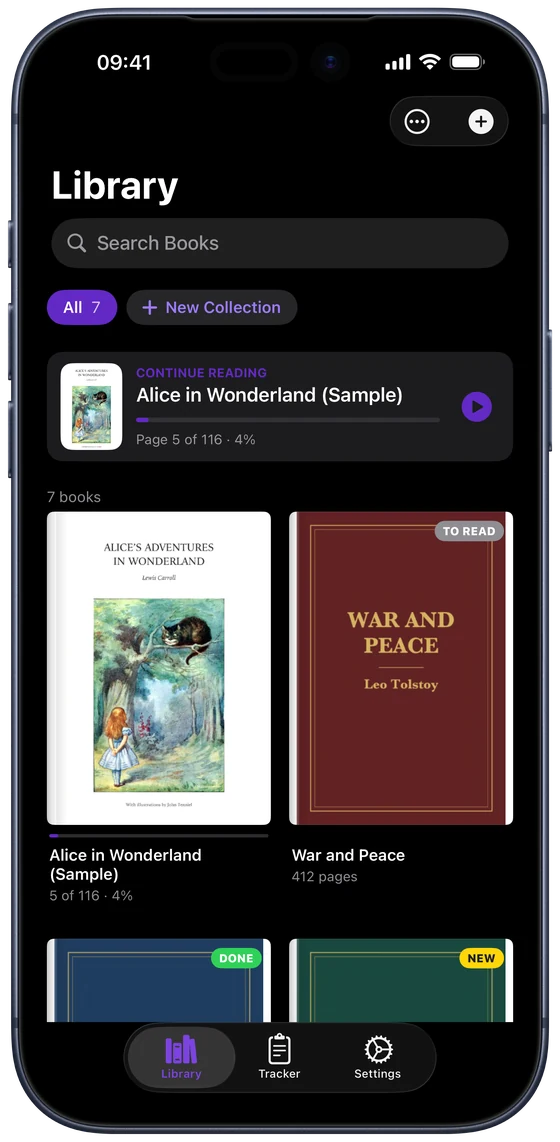
Your library
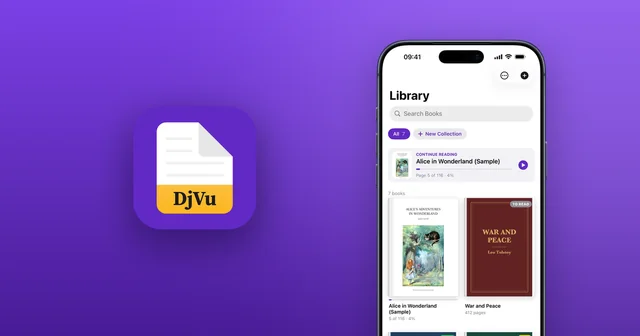
Covers, progress, collections and bookmarks.
Pages or Scroll
Turn pages like a book or scroll like a web page.
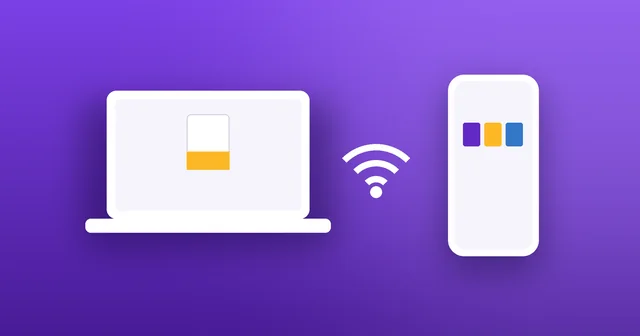
Wi‑Fi Transfer
Send books from your computer's browser.
Dark Mode
A dark app and dark pages for night reading.
Private
No account. Your books stay on your device.
What's a DjVu file?
DjVu (say “déjà vu”) is a format for scanned books. Pages keep their full scan quality at a fraction of a PDF scan's size, so digitized libraries, textbooks and archives use it widely. iPhone and iPad can't open it on their own. DjVu Reader can.
DjVu for students, researchers and musicians.
Students, researchers, engineers and musicians: if it was scanned to DjVu, it opens beautifully here.
Students
Old DjVu textbooks, course packs and lecture notes, readable and searchable on your iPhone.
Researchers & archives
Digitized libraries, journals and historical archives, with search inside every scanned page.
Maths & science
Formulas, diagrams and tables stay readable even when you zoom right in.
Musicians
DjVu sheet music and scores, full-screen on iPad, with pages that turn with a tap.
Engineers
Technical manuals, standards and schematics, with text you can copy.
Book lovers
Rare and out-of-print books, with Read Aloud when your eyes need a rest.
DjVu Reader is free to start.
Go Pro when your library grows.
Free
Everything you need to read.
- Read any DjVu book
- Pages and Scroll
- Bookmarks, contents and collections
- 3 free book uploads
Pro ✦
Weekly, or once for life.
- Unlimited book uploads
- Read Aloud with highlighting
- All page themes
- Search scanned books
- Export text files
DjVu Reader questions
Everything you need to know about DjVu Reader.

Open your DjVu books on iPhone.
Free for iPhone and iPad. Comes with Alice in Wonderland to try.