How to open DjVu files on iPhone and iPad
Updated October 15, 20262 min read
iPhone and iPad can't open DjVu files on their own: the Files app only shows a blank icon, and Apple Books doesn't support them. Here's how to open any .djvu file in three simple steps, for free.
Step 1
Install DjVu Reader (free)
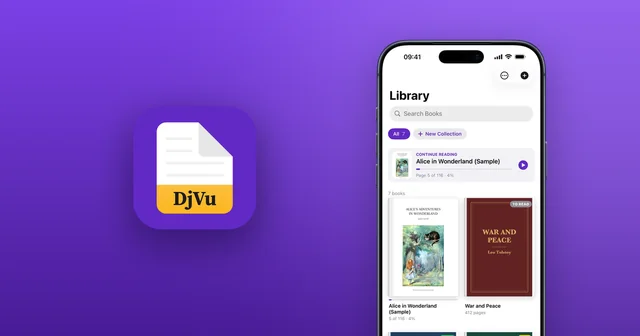
Download DjVu Reader from the App Store on your iPhone or iPad. It's free, and it comes with a sample book so you can try it straight away.
Step 2
Add your DjVu file
Bring your book in whichever way is easiest:
- From the Files app (iCloud Drive, On My iPhone, Dropbox, Google Drive): open DjVu Reader, tap + in Library and pick your file.
- From Safari, Mail, Telegram or WhatsApp: tap the .djvu file, tap the Share button, then choose DjVu Reader.
- From your computer: in DjVu Reader, open Settings › Wi‑Fi Transfer and drop the file onto the page it shows in your computer's browser.
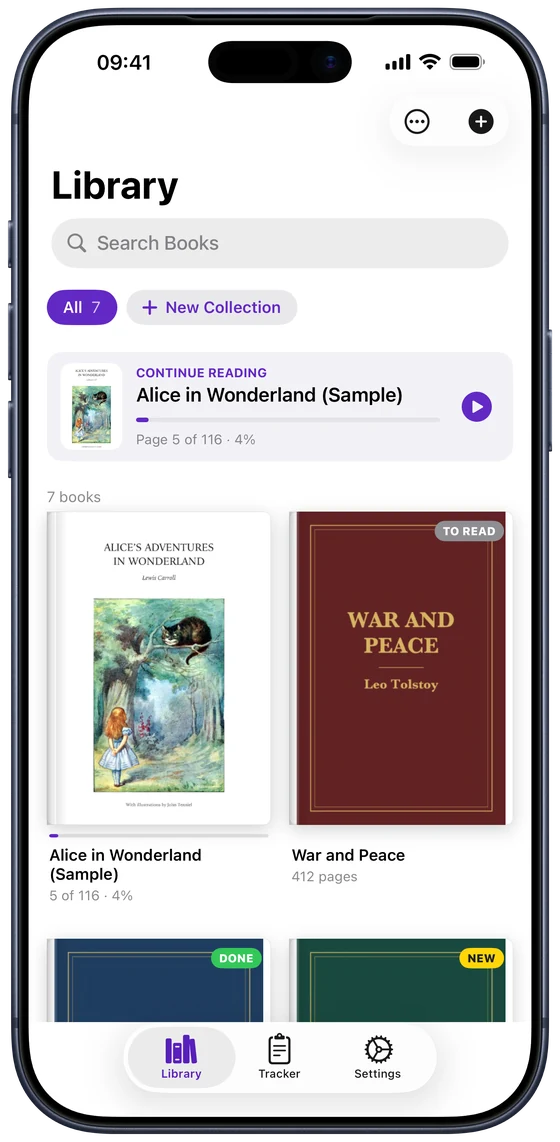
Step 3
Start reading
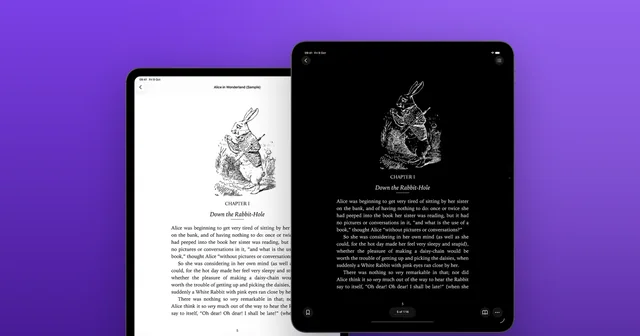
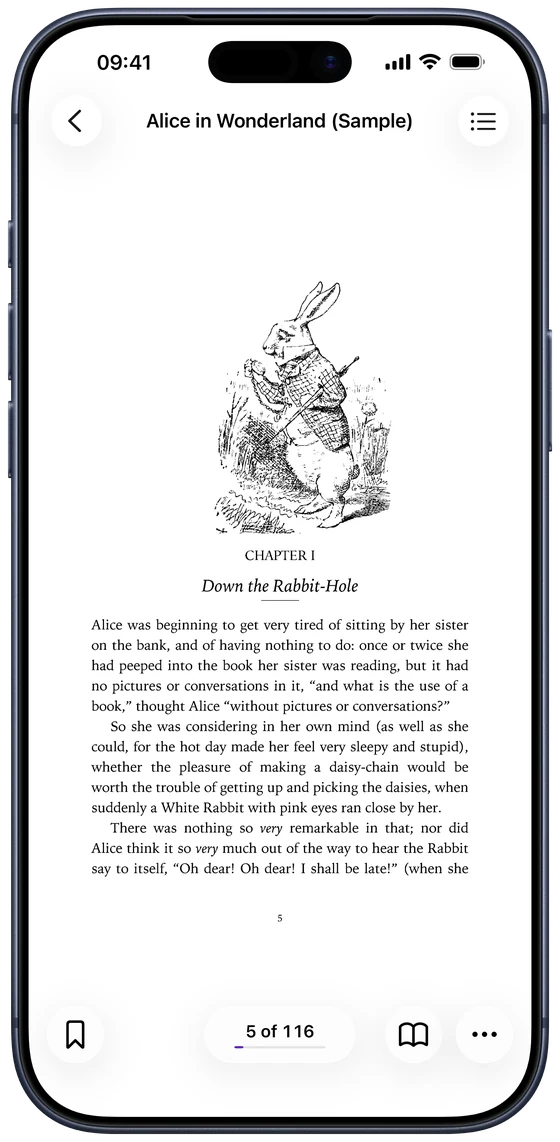
A book shared from another app opens right away; one added from Files waits in the Library, so just tap it. Turn pages with a swipe or a tap on the edge, pinch to zoom, change the page colour, search the book or have it read aloud.
Why doesn't my iPhone open DjVu files?
DjVu is a format for scanned books that Apple doesn't support. The Files app can store .djvu files but can't show them, and Apple Books only opens EPUB and PDF. You need an app that reads DjVu, such as DjVu Reader. More in DjVu vs PDF: what's the difference?
Common questions
- Do I need to convert DjVu to PDF?
- No. DjVu Reader opens .djvu files directly, so there's nothing to convert and nothing to upload. Pages stay sharp and files stay small. See how to convert DjVu to PDF if you need a PDF anyway.
- Is DjVu Reader free?
- Yes. Reading is free and includes 3 free book uploads. DjVu Reader Pro adds unlimited uploads, Read Aloud, all page themes, search in scanned books and text export.
- Does it work on iPad?
- Yes. On iPad every page fills the screen, and in landscape you can read two pages side by side.
- A file won't open. What can I do?
- Most often the download didn't finish or the book is still inside a ZIP. See DjVu file won't open? How to fix it, or email support@djvu.app with the file and we'll take a look.

Open your first DjVu book.
Free on the App Store for iPhone and iPad.