djvu.app vs Convertio for DjVu to PDF
Facts checked October 22, 20264 min read
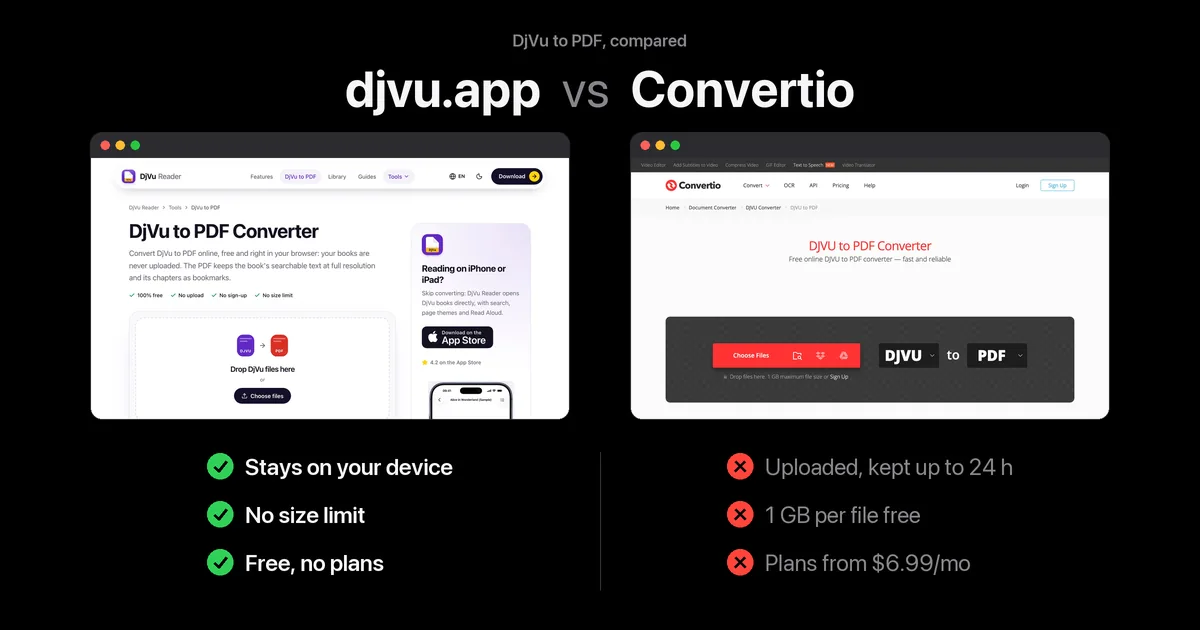
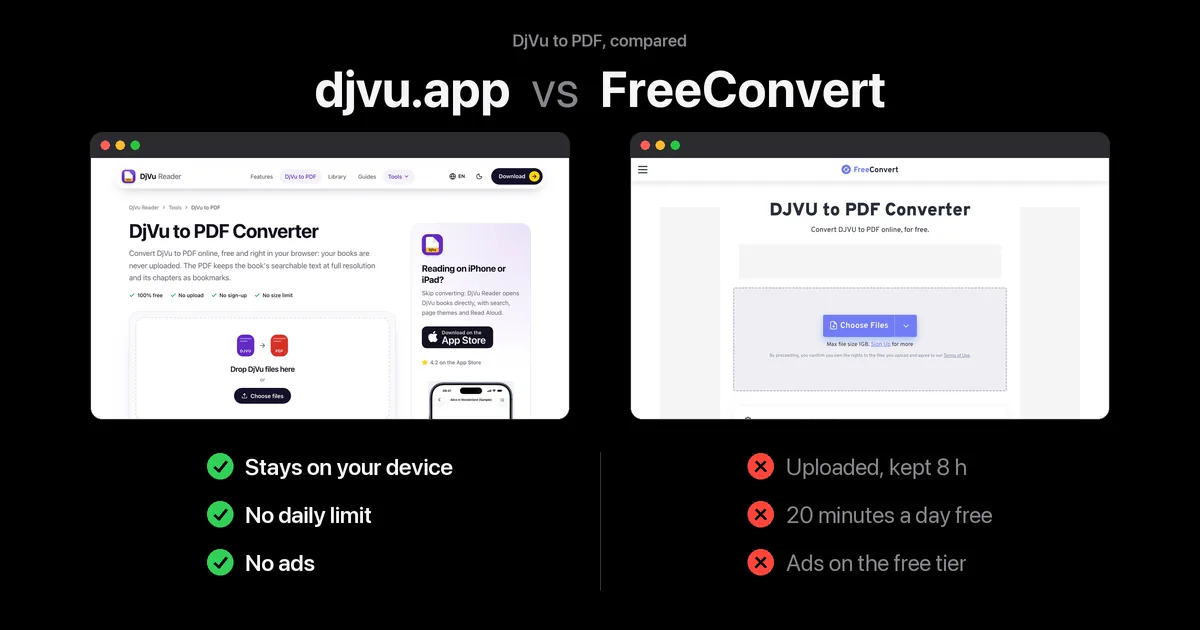
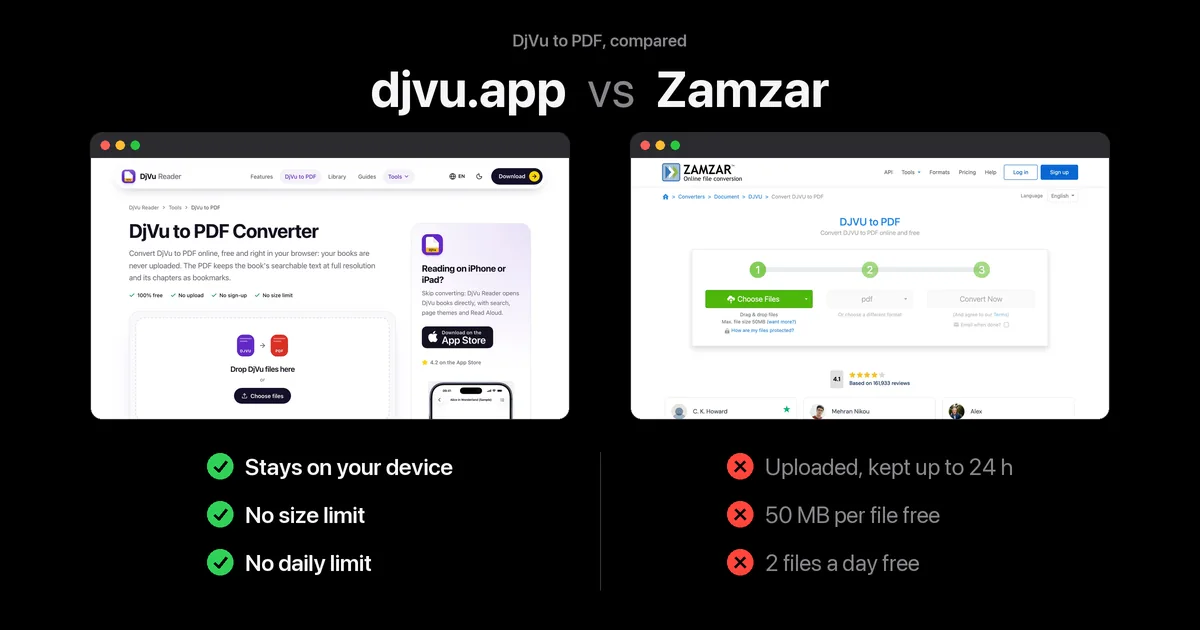
Convertio is one of the biggest online converters: more than 200 formats, a DjVu to PDF page, an API and paid plans from $6.99 a month. djvu.app converts DjVu only, and does it in your browser, so the file is never uploaded. Here is how the two compare for turning a DjVu book into a PDF.
Side by side
| Feature |  djvu.app | Convertio |
|---|---|---|
| Where your file goes | YesStays in your browser; nothing is uploaded | NoUploaded to Convertio's servers; originals deleted after conversion, the PDF within 24 hours |
| Price | YesFree, no plans, no credits | PartlyFree tier; Lite $11.99 a month ($6.99 billed yearly), Basic $22.99, Pro $44.99 |
| File size limit | YesNone | Partly“1 GB maximum file size or Sign Up” on the upload box |
| Daily limits | YesNone | PartlyPaid plans are sold by credits; the free tier's quota isn't stated on the DjVu page |
| Account | YesNone | YesNot required |
| Ads | YesNone | Partly“Adfree pages” is listed as a feature of the paid plans |
| Searchable text in the PDF | YesKept, with the book's chapters as PDF bookmarks | YesThe text layer carries over; bookmarks not mentioned |
| Scans without a text layer | PartlyPages without a text layer stay images (no OCR) | YesA separate OCR tool |
| Batch | YesSeveral books at once, downloaded as one ZIP | YesYes |
| Other DjVu tools | YesViewer; DjVu to PDF, JPG, PNG, TXT, Word, EPUB, FB2; PDF and JPG to DjVu; merge, split, compress | YesDjVu to DOC, EPUB, JPG, PNG and more; PDF to DjVu; no viewer |
| Works on | YesAny device with a recent browser (Safari 16.4, Chrome 111, Firefox 128 or later) | YesAny browser; API and command line |
The other side's facts come from its App Store page or website on the date above, ours from the app and this site. Something changed? Tell us at support@djvu.app and we'll update the page.
How the two work
On Convertio, the browser uploads your DjVu file, a server converts it and you download the PDF; the page says uploaded files are deleted right after conversion and results within 24 hours. On djvu.app, the converter itself is downloaded into your browser and runs there: the book is read from your device and the PDF is written on your device. Nothing is sent anywhere, which is why there is no size limit, no queue and no quota.
Where Convertio is better
Convertio is a general-purpose service, and that breadth is real.
- Formats: more than 200, so one site handles documents, images, audio and video.
- OCR: a separate tool can recognise text on scanned pages and make the PDF searchable. djvu.app keeps an existing text layer but doesn't run text recognition.
- Automation: an API and a command-line tool, with credits on paid plans.
- Scale: billions of files converted and a 4.7 rating from over 60,000 votes on its own page.
Where djvu.app is better
For DjVu specifically, doing the work in the browser removes most of the friction.
- No upload: the book never leaves your device, so a private scan stays private.
- No limits: no file size cap, no daily quota, no sign-up, no plan. Convertio's upload box caps free files at 1 GB and sells larger limits by plan.
- Chapters as bookmarks: the book's table of contents becomes PDF bookmarks and links inside the book keep working; Convertio's page mentions the text layer but not bookmarks.
- The other DjVu jobs: an online viewer, DjVu to JPG, PNG, TXT, Word, EPUB and FB2, PDF and JPG to DjVu, and merge, split and compress, all without uploading.
Which to use
Use Convertio when DjVu is one of many formats you convert, or when a scan needs OCR. For turning DjVu books into PDFs, the DjVu to PDF converter on this site does it free, without the file leaving your device.
Common questions
- Does Convertio keep my file?
- Its DjVu to PDF page says uploaded files are deleted immediately after conversion and the resulting PDFs within 24 hours. On djvu.app nothing is uploaded, so there is nothing to delete.
- Which one keeps the text searchable?
- Both keep a DjVu book's text layer in the PDF. djvu.app also turns the book's chapters into PDF bookmarks. Neither recognises text in a scan that has none, though Convertio offers OCR as a separate tool.
- Is there a size limit on djvu.app?
- No. The conversion runs on your device, so the only limit is your device's memory. A very large book takes as long as your device needs.
Try DjVu Reader for yourself.
Free on the App Store for iPhone and iPad.