DjVu opens but the pages are blank, white or missing? How to fix it
Updated October 23, 20268 min read
The file opens, but the pages are white, grey, half drawn or missing. That is a different problem from a file that won’t open at all, and it almost always has one of a few causes. Here is how to tell which one you have and fix it, on a phone, a computer or an e-reader.
First check: is it the file or the reader?
Before changing anything, open the same file in our free online DjVu viewer, ideally on a computer, which has more memory than a phone. It works in any modern browser and the book is never uploaded.
- Pages show there: the file is fine, and the cause is the reader or device you used first. See the sections on slow drawing, page colours and e-readers below.
- The same pages are blank there too: the problem is in the file, or the pages are blank in the scan itself.
- The viewer refuses the file: it is incomplete or not a whole book. The next two sections explain both.
The first pages are fine, the rest are blank: the download stopped
A DjVu book stores its pages one after another. If a download stops partway, the beginning of the book is there and the end isn’t. Some readers show the pages that arrived and leave the rest white or grey; our online viewer checks that the book is whole and says “This file isn’t a valid DjVu book” instead. It happens most with large books saved from a messenger, an email or a slow connection.
- How to tell: compare the file size with the size shown where you got it. A book listed as 40 MB that takes 12 MB on your device is cut short.
- The fix: download it again on a stable connection, and open it only once the download has really finished. On iPhone, also check for a cloud icon in Files: see DjVu file won’t open?
A tiny file, or a book of one page: it's a multi-file (indirect) DjVu
Most DjVu books are a single file. Some, especially from older online libraries and archives, are stored as an indirect DjVu: one small index file plus a separate .djvu file for each page, all in one folder. The index lists the pages but contains none of them. Download only the index, or only one of the page files, and you have a book with nothing in it.
- How to tell: the file is a few kilobytes while the book has hundreds of pages, or it sits in a folder with dozens of .djvu files with numbered names. The index is often called index.djvu.
- In our viewer: an index file is refused with a message saying it's part of a multi-file DjVu book. One of the page files opens on its own, as a book of a single page.
- The fix: look for the single-file (also called “bundled”) download of the same book. If you have the whole folder, you can try joining the page files with Merge DjVu: add them in page order, and each file becomes an entry in the contents. If a file can't be merged, the single-file version is the way to go.
One page is blank in the middle of the book: a damaged page
If one page, or a few, stay blank while the pages around them look normal, those pages are probably damaged in the file: a few wrong bytes are enough to stop a page from being drawn. Depending on the program you see a white page, a grey box or an error for that page only. Our viewer draws what it can of that page, with a short note that the file may be damaged there, and draws the rest of the book as usual.
- How to tell: the same page is blank in every viewer you try, and downloading the book again from the same place gives the same result.
- The fix: get the book from another source; a different scan or upload of the same edition often has the page. If you only need the rest, the book is still readable as it is, and Split DjVu can take out the pages you want to keep.
Pages are white for a moment, then appear: they're still being drawn
A DjVu page is a compressed picture that your device has to decode before showing it. Until then, most readers show an empty page; in our viewer, plain paper in your page colour, which fades into the page. Large colour or high-resolution scans take longest, and so do older phones, e-ink readers and fast scrolling.
- How to tell: the pages fill in after a second or a few, and the ones you've already seen come back faster.
- The fix: give each page a moment. If every page is slow, make the book lighter with our free Compress DjVu tool, which keeps the text layer and contents. More in how to reduce DjVu file size.
- A very large book in a phone's browser: a browser tab only gets so much memory. If a book is too large for it, our viewer stops and says “This book is too large for this browser”. Open it on a computer, compress it first, or read it in an app.
The page really is blank, or the page seems missing
Sometimes the reader is doing exactly what it should. A scan copies every leaf of the book as it is, including what was never printed on.
- Blank leaves: the back of a title page, the endpapers, the empty side before a new chapter. Old books, Soviet editions included, have many of them. They're white or the colour of the paper, and the pages before and after are fine.
- Grey or faint pages: on thin paper the print from the other side shows through, so a nearly empty page looks grey with faint mirrored lines. Colour scans also keep the paper’s own yellow or grey tone.
- A page number that doesn't match: the reader counts the cover, title and preface pages too, so page 100 in the reader may be page 92 in print. The page isn't missing, just numbered differently. Use the contents or search the text to find the right place.
- Pages missing from the scan: if the printed numbers jump, say from 56 to 59, the person who scanned the book skipped a leaf. No reader can show what isn't in the file: look for another copy. A book that ends early may also come in several volumes: join them with Merge DjVu.
Pages look dark, grey or like a negative: check the page colour
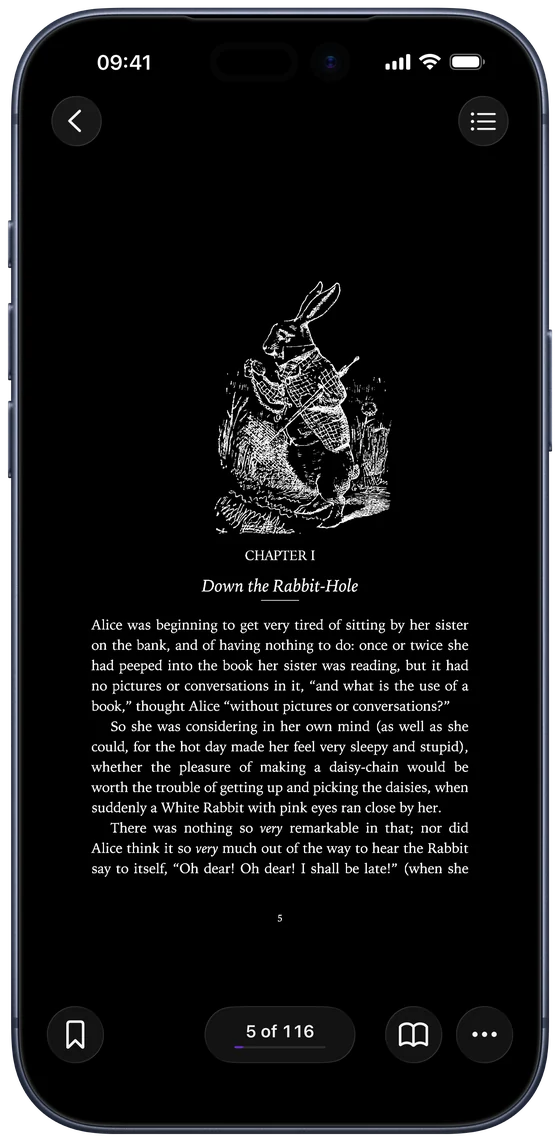
Night modes and page themes change how every page is drawn. In our online viewer, Page colour offers White, Sepia and Night: Night inverts the page to light text on dark grey, so an empty page becomes a dark sheet and photos can look odd. Page themes in DjVu Reader on iPhone and iPad, and the night or invert setting of many e-readers, work the same way. If pages look wrong, switch back to plain white first.
Blank pages in another reader or on an e-reader
If the book shows fine in our online viewer but stays blank in another app or on an e-reader, the reader itself is struggling with that file, usually because the scan is large or heavy for the device. Most PocketBook and ONYX BOOX readers open DjVu, but heavy scans can be slow there, and some readers handle certain DjVu files less well than others. Two things help:
- Make the book lighter with Compress DjVu, then copy it to the device again.
- Read a PDF instead: DjVu to PDF converts the book in your browser, keeping the searchable text and the contents as bookmarks. Almost every reader handles PDF. For which format suits which e-reader, see how to read DjVu on an e-reader.
Common questions
- Why does my DjVu file open but show nothing?
- Usually because it's incomplete or only part of a book. A download that stopped partway leaves the later pages empty, and a multi-file (indirect) DjVu downloaded without its page files has nothing to show. Download the book again, or look for the single-file version. If the file doesn't open at all, see DjVu file won't open?
- Why are some pages of my DjVu book white?
- Either the pages are still being drawn, they're damaged in the file, or they're blank leaves in the original book. Wait a moment; if they stay white, open the book in our online DjVu viewer. Pages that are white there too are blank or damaged in the file itself.
- Why are pages missing from my DjVu file?
- The reader counts the cover and front pages too, so its page numbers may differ from the printed ones. If the printed numbers really jump, those pages weren’t scanned and only another copy has them. A book much shorter than expected may also come in volumes, or be one page file of a multi-file DjVu.
- Can I repair a DjVu file with blank pages?
- Not the missing parts: a page that didn't download or is damaged can't be rebuilt from the rest of the file. Download the book again or get it from another source. The pages that do work can be saved separately with Split DjVu.
Open your first DjVu book.
Free on the App Store for iPhone and iPad.