What is a DjVu file? The format for scanned books, explained
Updated October 15, 20263 min read
Downloaded an old book, a textbook or a scanned journal and got a .djvu file? Here's what the DjVu format is, why it's used for scanned books, and how to open it.
Where does DjVu come from?
DjVu was created at AT&T Labs in 1996 by researchers who wanted to put scanned documents online at a time when connections were slow. Files had to be small enough to download quickly, yet readable enough to replace paper. The format is documented publicly, and free tools such as DjVuLibre can read and create DjVu files.
How does DjVu keep scanned pages small?
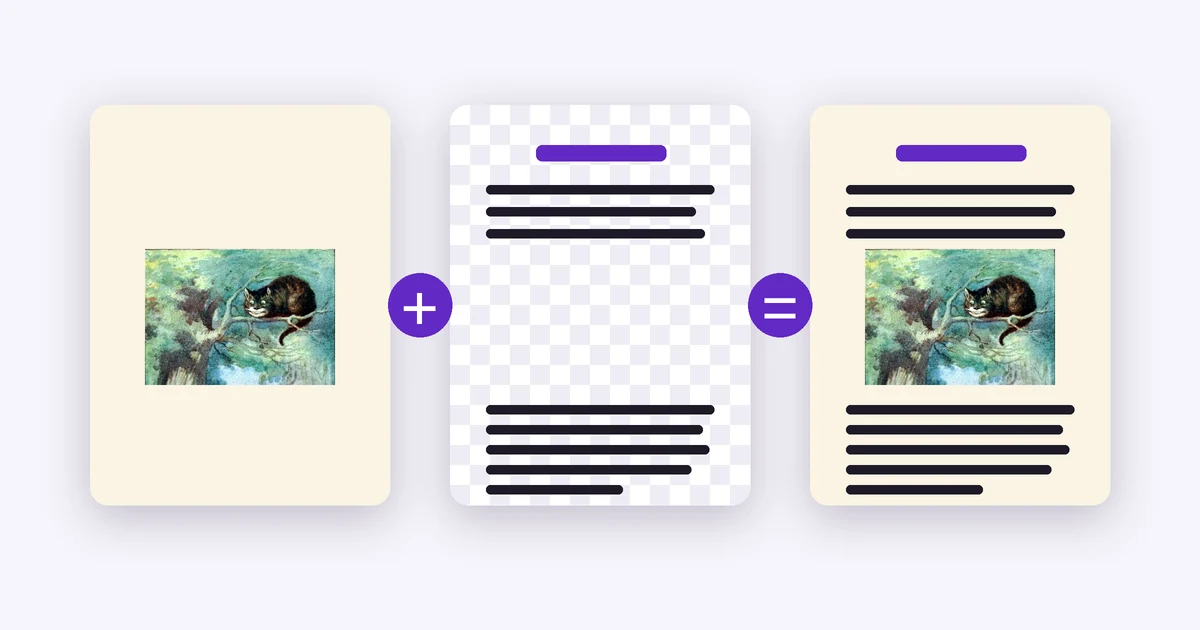
A scanned page is mostly paper, with some text and pictures on it. Instead of saving it as one big photo, DjVu splits the page into layers and compresses each one in the way that suits it:
- The text layer: the shapes of the letters, kept at high resolution and stored very efficiently, because the same letter shapes repeat all over a page.
- The background layer: the paper, photos and drawings, stored at a lower resolution, where fine detail matters less.
- The colour of the text, kept separately, so coloured headings and ink look as printed.
What's inside a DjVu file?
Besides the pages themselves, a DjVu file can carry:
- A whole book: one file often holds hundreds of pages.
- A hidden text layer: when a book has been through text recognition (OCR), you can search it and copy its text.
- Contents and links: chapters, bookmarks and links within the book.
- Either ending: .djvu and .djv are the same format. Most books are one file; a few sites split a book into one file per page plus an index, called an indirect DjVu.
Why are so many books in DjVu?
From the early 2000s, libraries, universities and archives scanned huge numbers of old books, journals and dissertations. Small files mattered for storage and downloads, so many of them chose DjVu, and those collections are still shared online. That's why old textbooks, science books and journals so often come as .djvu files, especially in Russian and Eastern European collections.
How is DjVu different from PDF and EPUB?
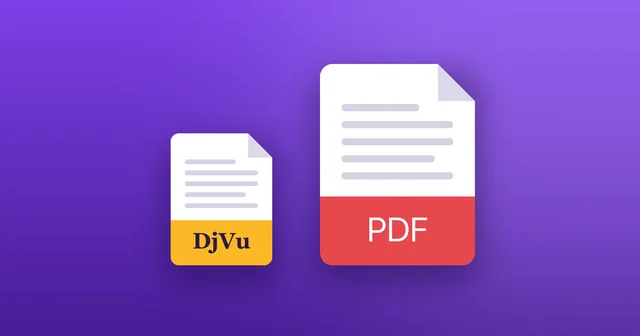
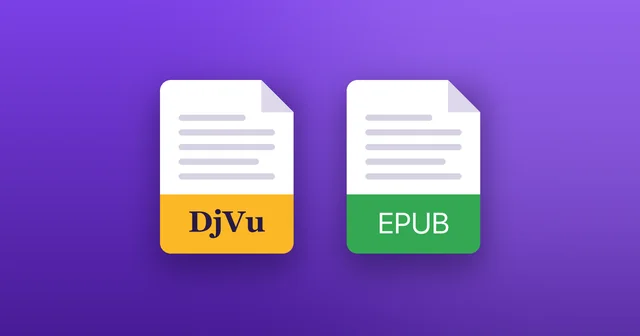
PDF also holds pages, but a scanned PDF usually keeps each page as one full image, so the same book is often several times larger. EPUB is different again: it holds text that reflows to fit your screen, not pictures of pages. More in DjVu vs PDF and DjVu vs EPUB.
How do you open a DjVu file?
You need an app that reads DjVu:
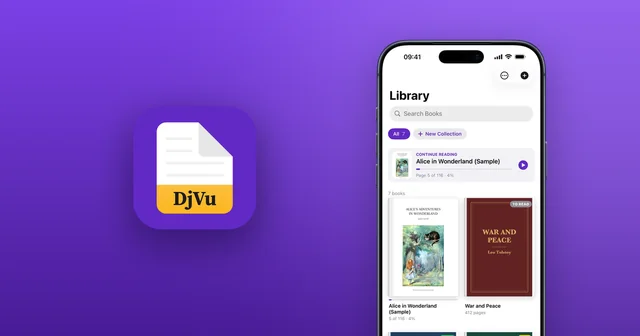
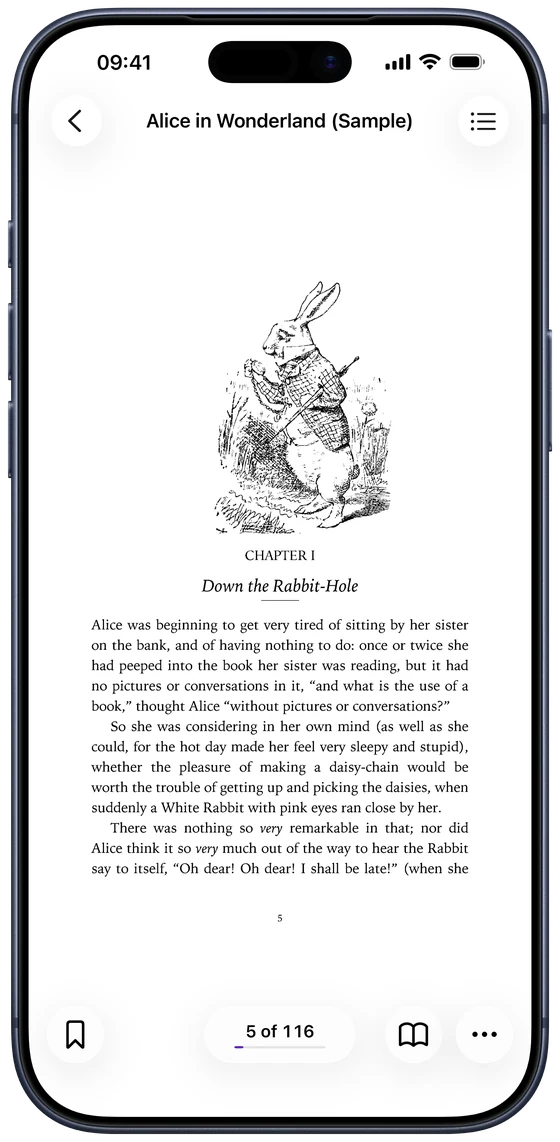
- On iPhone and iPad: install DjVu Reader, then open the file from Files, Safari or Mail. Step by step: how to open DjVu files on iPhone.
- On a computer: free programs such as DjView (part of DjVuLibre), SumatraPDF on Windows and Okular on Linux open DjVu files.
Common questions
- How do you pronounce DjVu?
- Like the French “déjà vu”.
- Is a .djv file the same as a .djvu file?
- Yes. Both endings are used for the same format, and DjVu Reader opens both.
- Can I convert a DjVu file to PDF?
- Yes, with free tools on a computer, though the PDF is usually larger. Often you don't need to: see how to convert DjVu to PDF.
- Can I edit a DjVu file?
- DjVu is made for reading. Changing pages needs desktop tools such as DjVuLibre; if you need the words, copy the book's text instead.

Open your first DjVu book.
Free on the App Store for iPhone and iPad.