How to convert DjVu to PDF on iPhone (and why you may not need to)
Updated October 15, 20262 min read
Most people convert DjVu to PDF for one reason: their iPhone won't open DjVu. There's a quicker way that keeps your book sharp and private, and a free way to convert when you really need a PDF.
Why converting isn't ideal
Converting works, but it has a cost:
- Bigger files. DjVu was made to keep scans small. The same book as a PDF is often several times larger.
- Your book leaves your phone. Online converters need you to upload the file to someone else's server.
- Lost details. Some converters shrink the pages or drop the hidden text layer, so the PDF can't be searched.
The faster way: open the DjVu file directly
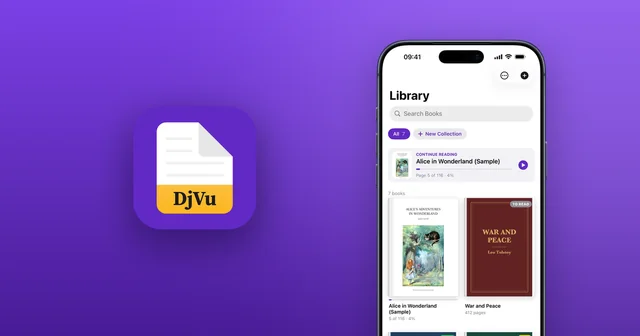
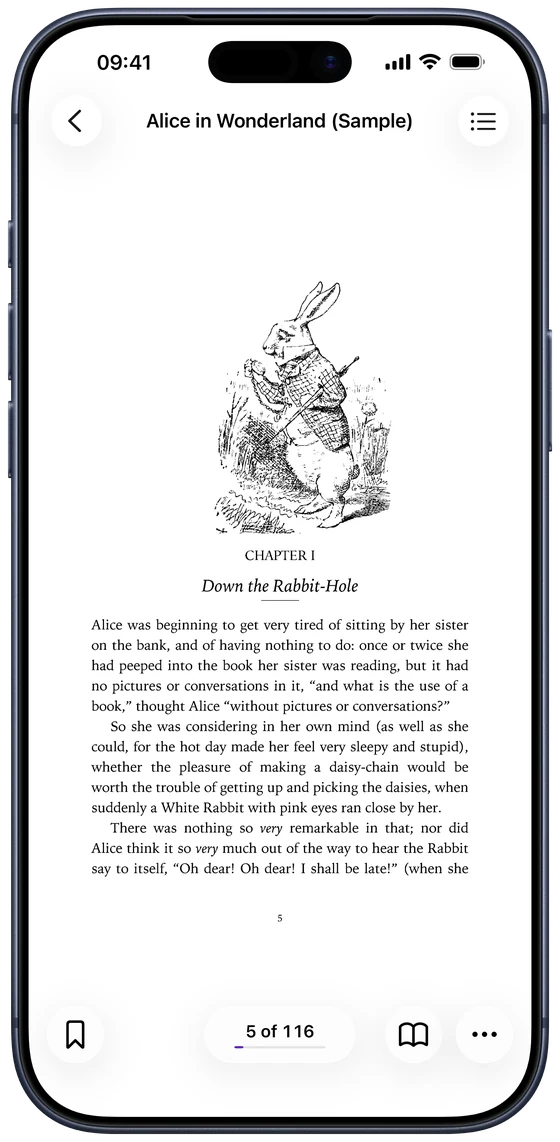
DjVu Reader opens .djvu and .djv files on iPhone and iPad as they are. Install it, open your file from Files, Safari or Mail, and choose DjVu Reader. Pages stay sharp, search keeps working, and nothing is uploaded. The steps are in how to open DjVu files on iPhone.
When you do need a PDF
To send the book to someone who can't open DjVu, or to print it, convert it on a Mac or PC:
- DjVuLibre (free, Mac, Windows and Linux): it comes with a converter. In a terminal, run
ddjvu -format=pdf book.djvu book.pdf. - Online converters are quick for public-domain books, but avoid them for anything private, since the file is uploaded.
- Expect a larger file, and check the PDF can still be searched if that matters to you.
Need the words, not the pages? Copy the text
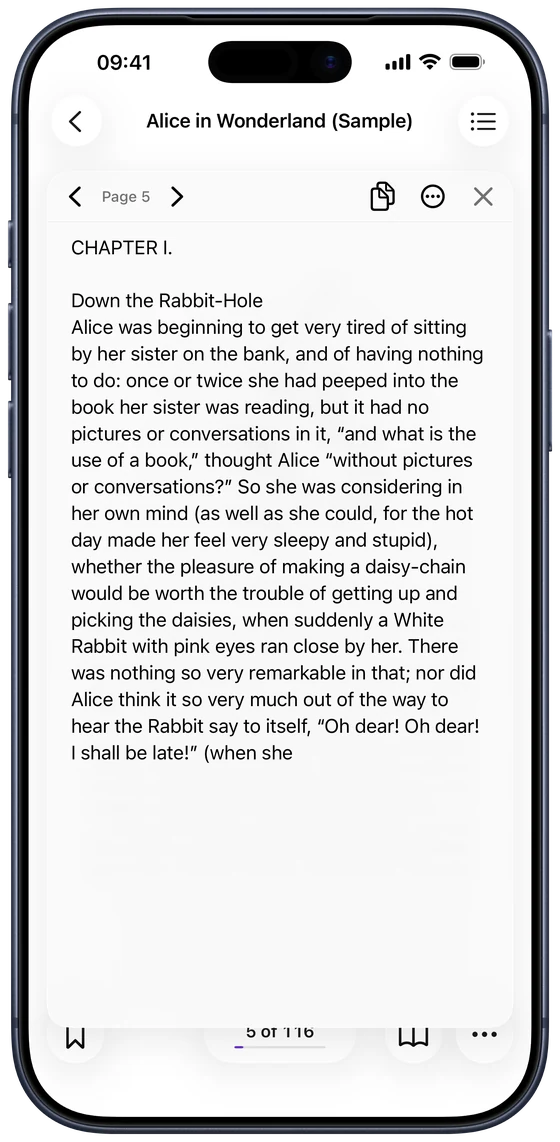
If you want a book's text (to quote it, translate it or study it), you don't need a PDF at all. In DjVu Reader, open Extract Text to copy a page's text, or Export as Text File for the whole book (Pro). It works even on scans with no text layer, because the app recognises the text on the page.
Common questions
- Can DjVu Reader convert DjVu to PDF?
- No. It opens DjVu files directly, so you don't need a PDF to read them. It can export a book's text as a text file (Pro).
- Why is the PDF so much bigger than the DjVu file?
- DjVu stores the text of a scanned page and its background separately and compresses each in the best way. PDF usually keeps every page as one full image, which takes more space.
- Can DjVu Reader open PDF files?
- No, it's made for DjVu (.djvu and .djv). iPhone already opens PDFs in the Files app and Apple Books.

Open your first DjVu book.
Free on the App Store for iPhone and iPad.