DjVu vs EPUB: what's the difference?
Updated October 15, 20263 min read
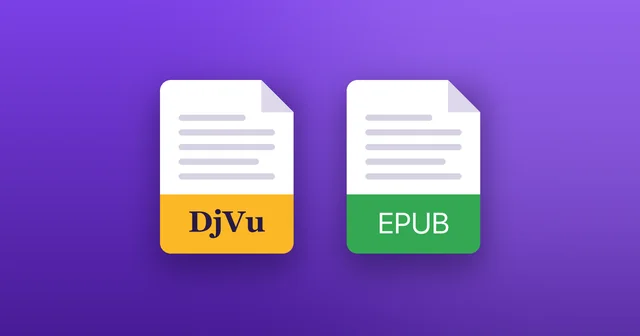
Both formats hold books, but in very different ways. DjVu keeps the pages exactly as they were scanned; EPUB holds text that rearranges itself to fit your screen.
What is EPUB?
EPUB is the most widely used open format for ebooks, maintained by the W3C. Inside, it's text and pictures, much like a small website, so the reading app can change the font, the text size and the layout to suit you.
What is DjVu?
DjVu stores pictures of pages, usually scans of printed books. What you see is the page as it was printed: the same layout, fonts, formulas and illustrations. More in What is a DjVu file?
DjVu and EPUB side by side
The main differences:
- Content: DjVu holds page images; EPUB holds text and pictures.
- Layout: DjVu keeps the printed page; EPUB reflows the text to fit your screen.
- Small screens: EPUB adapts on its own; with DjVu you zoom in or turn your phone sideways.
- Formulas, tables and diagrams: DjVu shows them exactly as printed; in EPUB they depend on how the book was made.
- Search and copy: EPUB text can always be searched. DjVu can be when the book has a text layer, or when the app recognises the text on the page.
- Where you'll find them: DjVu for scanned and older books, EPUB for new ebooks.
Can you convert DjVu to EPUB?
Only by recognising the text on every page (OCR) and rebuilding the book. Plain novels can turn out readable, but formulas, tables, footnotes and illustrations usually come out wrong, and recognition mistakes have to be fixed by hand. For most scanned books, reading the DjVu as it is gives the better result.
Reading DjVu comfortably on a phone
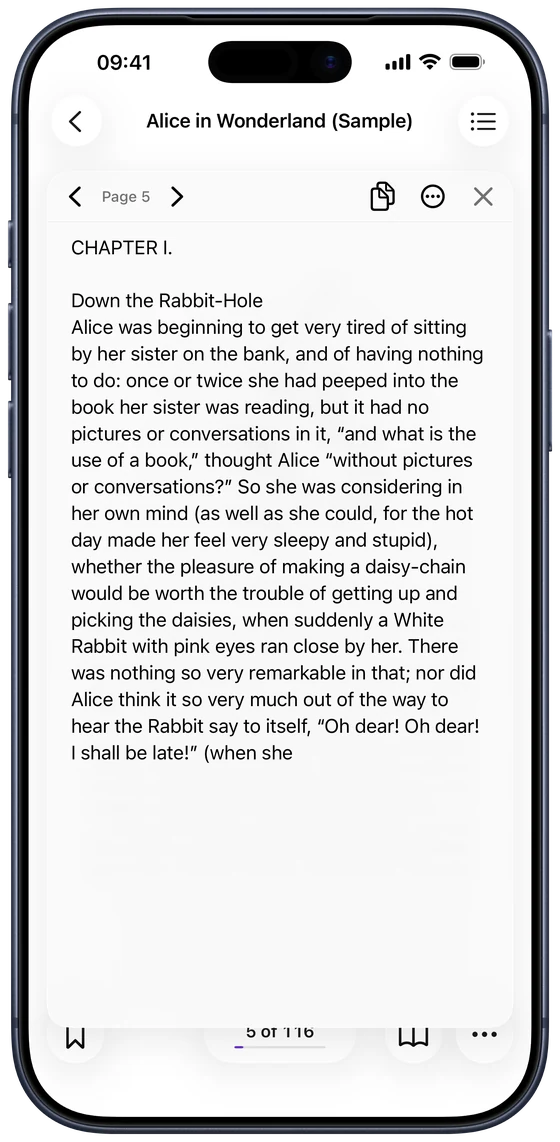
DjVu Reader makes a printed page easier to read on a small screen. Fit Width enlarges the page to the width of the screen, and Extract Text shows a page's text in a panel where you can make it bigger, close to reading an EPUB.
Which should you choose?
If a book exists as an EPUB, that's usually the most comfortable way to read it on a phone. If you have a scan, especially of an older, technical or illustrated book, keep the DjVu: it shows the book exactly as it was printed.
Common questions
- Can Apple Books open DjVu?
- No. Books opens EPUB and PDF. For DjVu you need a DjVu app: see Can Apple Books open DjVu files?
- Which is smaller, DjVu or EPUB?
- For the same book, EPUB is usually much smaller, because it holds text rather than pictures of pages. Among formats for scans, DjVu is one of the smallest.
- Can DjVu Reader open EPUB files?
- No. DjVu Reader opens DjVu files (.djvu and .djv). Apple Books opens EPUB.

Open your first DjVu book.
Free on the App Store for iPhone and iPad.