DjVu vs PDF: what's the difference?
Updated October 15, 20262 min read
Both formats hold documents, but they were built for different jobs. Here's how DjVu and PDF compare, and which one makes sense for your books.
What is DjVu?
DjVu (said “déjà vu”) was created at AT&T Labs in 1996 for scanned pages. It splits each page into layers: a sharp black-and-white layer for the text and a separate layer for the paper and pictures, each compressed in the way that suits it. The result is small files where the text stays crisp, which is why so many digital libraries scanned their books into DjVu.
What is PDF?
PDF was created by Adobe in 1993 to show a document the same way everywhere. It's ideal for files made on a computer, like reports, forms and ebooks. A scanned PDF usually stores each page as one full image, so scanned books are often much bigger as PDF than as DjVu.
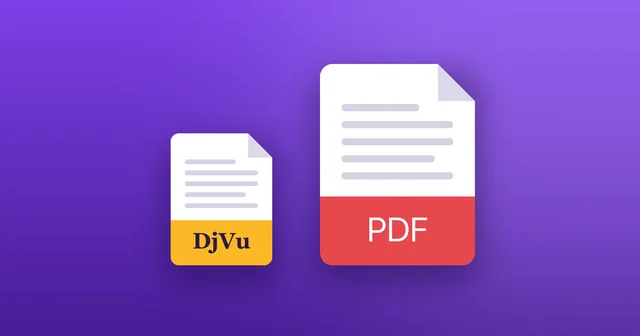
DjVu and PDF side by side
The main differences:
- File size: for scanned books, DjVu is often several times smaller.
- Quality: both can look sharp. DjVu is tuned to keep scanned text crisp at a small size.
- Support: PDF opens almost everywhere. DjVu needs an app, on iPhone and iPad too.
- Text and search: both can carry a hidden text layer for search and copying.
- Editing and forms: PDF wins. DjVu is made for reading.
Which should you use?
If you have a scanned book in DjVu, keep it: converting makes it bigger and may lose detail. Choose PDF when you send a file to people who may not have a DjVu app, or for forms and documents you edit. If you need both, see how to convert DjVu to PDF.
Reading DjVu on iPhone and iPad
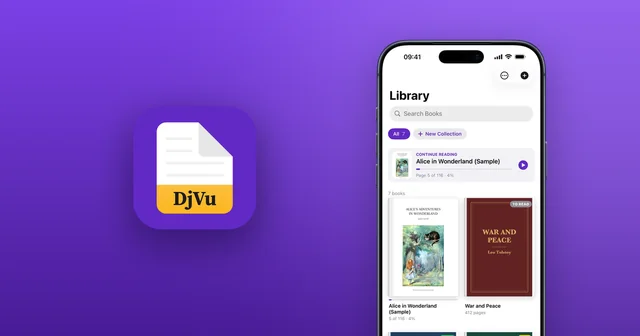
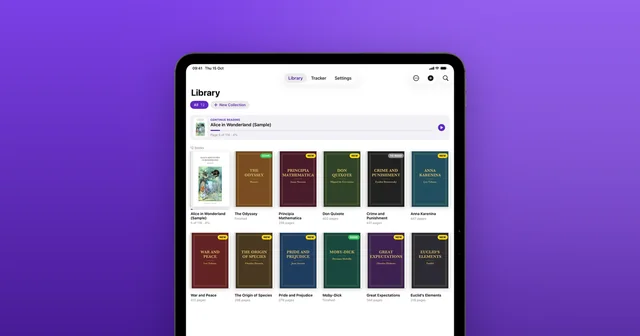
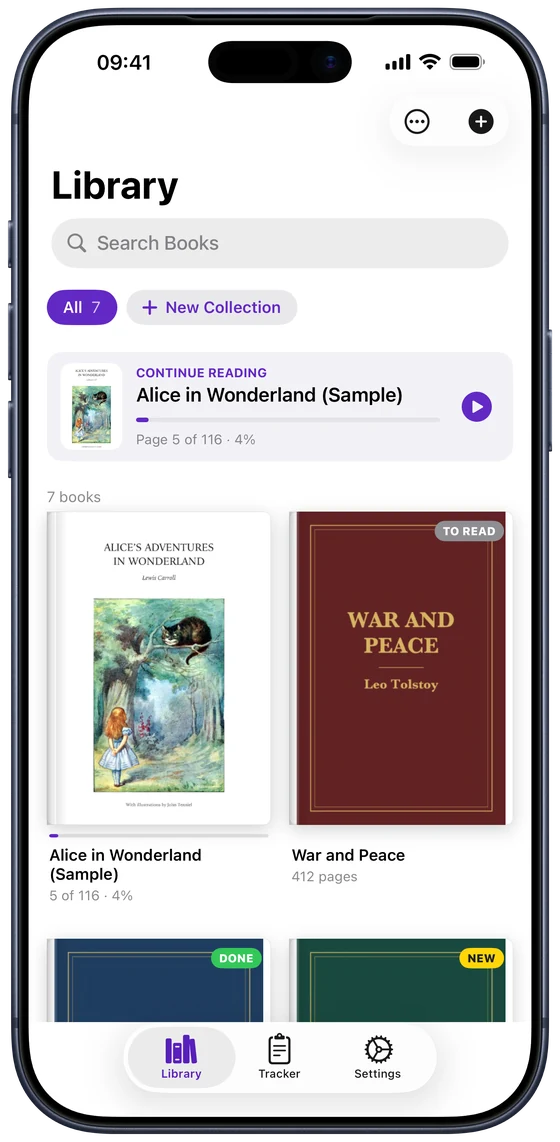
iPhone and iPad can't open DjVu by themselves, but DjVu Reader can: crisp pages, search, page themes and Read Aloud. Here's how to open DjVu files on iPhone.
Common questions
- Is DjVu better than PDF?
- For scanned books, DjVu usually gives smaller files with the same sharp text. For everything else, and for sharing, PDF is more practical because it opens everywhere.
- Why are so many old books in DjVu?
- When libraries and universities started scanning books, small files mattered for downloads, and DjVu kept scans small and readable. Many of those collections are still shared as DjVu.
- Can iPhone open DjVu without an app?
- No. The Files app and Apple Books don't support DjVu. A free app such as DjVu Reader opens it.

Open your first DjVu book.
Free on the App Store for iPhone and iPad.