How to choose the best DjVu reader for iPhone and iPad
Updated October 15, 20263 min read
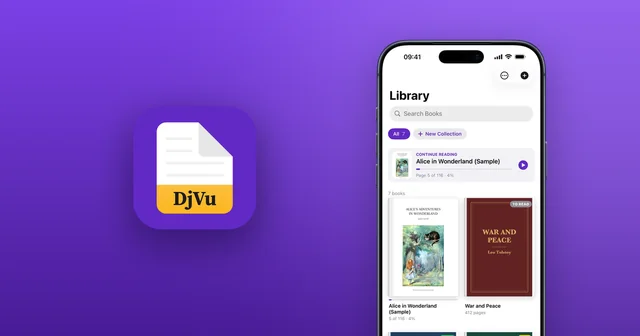
Apple's own apps can't open DjVu, so you need a reader from the App Store. They're far from equal. Here's what separates a good DjVu reader from a frustrating one, and a checklist to use before you download.
Why you need a DjVu app
iPhone and iPad don't support DjVu: Apple Books can't open it, and the Files app only shows a blank icon. Any app you choose has to read the format itself. More in Can Apple Books open DjVu?
What makes a good DjVu reader?
DjVu books are usually large scans of printed pages, so these matter most:
- Text recognition (OCR): most DjVu books have no text layer. Without it, you can't search, copy or listen to them.
- Regular updates: apps that haven't been updated in years may not work well on new iPhones and iPads.
- Speed with big books: scans of hundreds of pages should open and turn quickly.
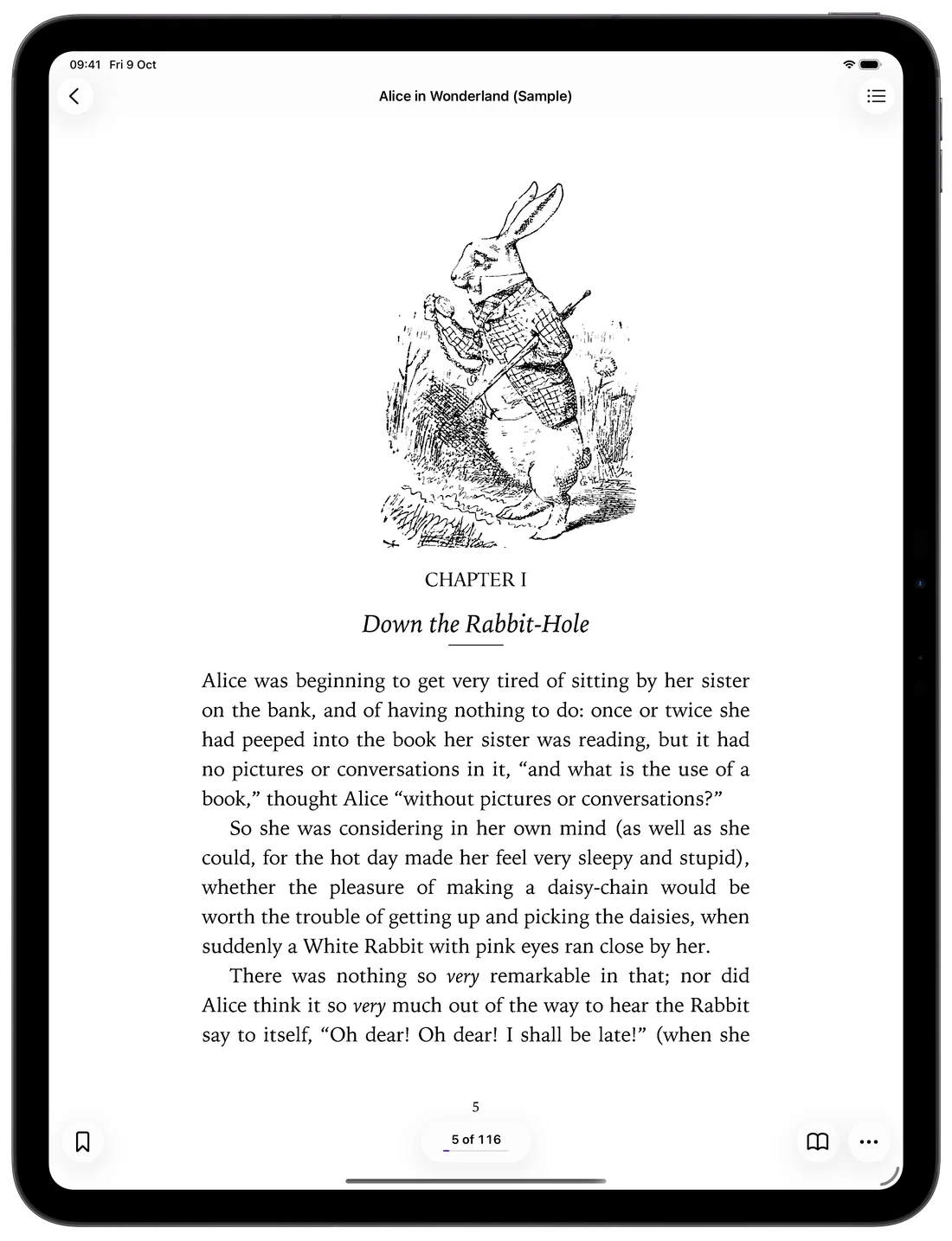
- A real iPad layout: full-screen pages and two pages side by side in landscape.
- Privacy and clear pricing: your books should stay on your device, and you should know what's free.
Text recognition: search, copy and listen to scans
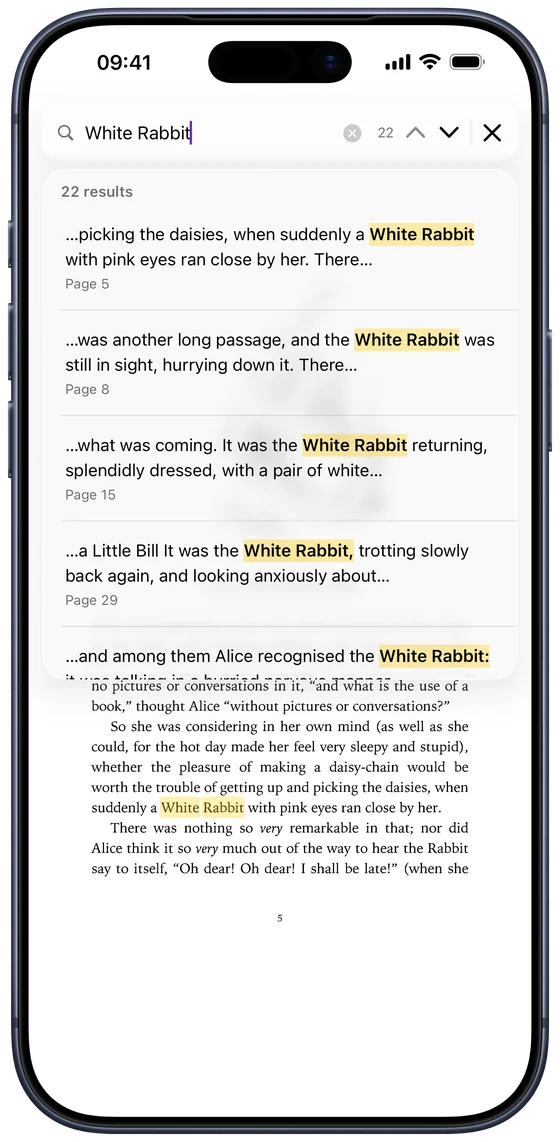
This is what makes the biggest difference day to day. In DjVu Reader, recognition runs on your device:
- Search Scanned Pages finds words even in pages without a text layer (Pro).
- Extract Text and Live Text copy text from any page, for free.
- Read Aloud reads scanned books to you, highlighting each word (Pro).
Regular updates
Many DjVu apps on the App Store haven't been updated in years. Before you download, open the app's App Store page and look at Version History. DjVu Reader is actively developed for current versions of iOS and iPadOS.
Made for big scans and iPad
A good reader keeps large scans readable on any screen. DjVu Reader fits the page or the width of the screen, shows two pages side by side on iPad in landscape, offers page themes such as Sepia, Night and Contrast for faded scans, and remembers where you left off in every book.
Privacy and clear pricing
Your books are personal. DjVu Reader keeps them on your device, needs no account, and recognises text without uploading anything. Reading is free with 3 free book uploads; Pro, a weekly subscription or a one-time lifetime purchase, adds unlimited books, Read Aloud, all page themes, search in scans and text export.
A quick checklist before you download
Whichever app you try, check that it:
- Opens both .djvu and .djv files.
- Can search and copy text in scanned pages, not only in books with a text layer.
- Was updated recently.
- Has a proper iPad layout, if you read on iPad.
- Works offline and keeps your books on your device.
- Tells you clearly what's free and what costs money.
Common questions
- Is there a free DjVu reader for iPhone?
- Yes. DjVu Reader is free to read, with 3 free book uploads. Pro adds unlimited books and extra features.
- Which DjVu reader can search scanned books?
- You need one with text recognition (OCR). DjVu Reader's Search Scanned Pages recognises the text on scans and searches it (Pro).
- Can I read DjVu books offline?
- Yes. In DjVu Reader your books are stored on your device, and reading, search, text recognition and Read Aloud all work without the internet.

Open your first DjVu book.
Free on the App Store for iPhone and iPad.