Can Apple Books open DjVu files?
Updated October 15, 20262 min read
You found a book in DjVu, tapped it on your iPhone, and nothing useful happened. Here's what Apple Books can and can't open, and what to use for DjVu instead.
What can Apple Books open?
Apple Books is made for ebooks and documents in EPUB and PDF, plus audiobooks. DjVu isn't one of its formats, so a .djvu file can't be added to your Books library, and Books doesn't appear when you share one.
Why does the Files app show a blank icon?
The Files app previews documents with the viewer built into iOS, and that viewer doesn't support DjVu. The file itself is usually fine: your iPhone just has nothing to draw it with.
The easiest fix: a DjVu reader app
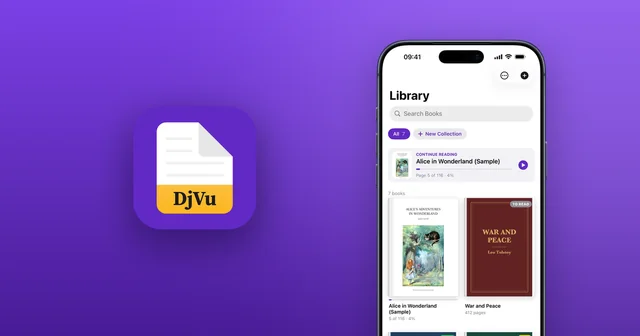
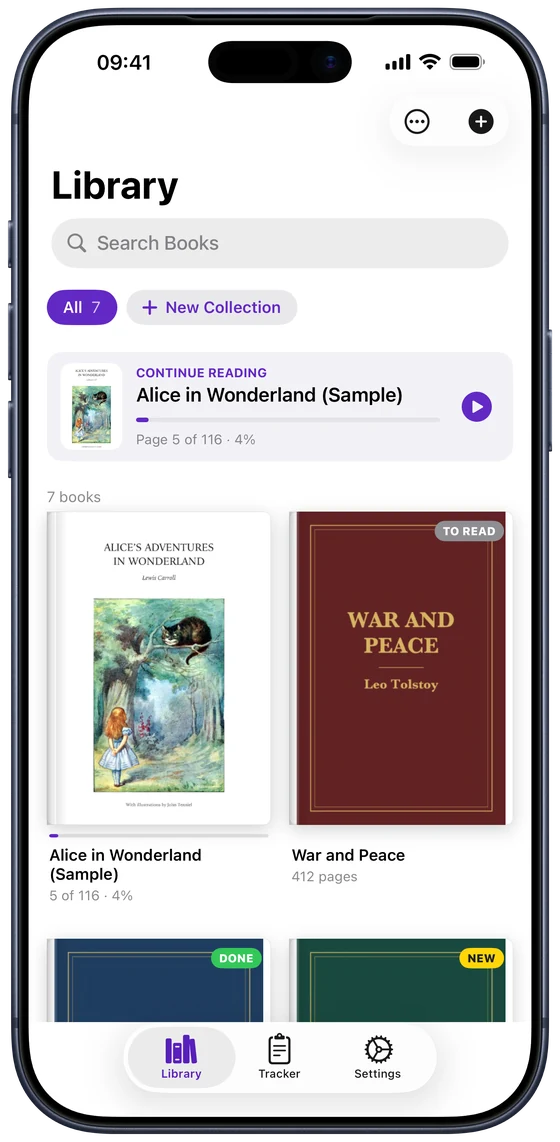
A DjVu app opens the file as it is, in a library that works much like Books:
- Install DjVu Reader from the App Store. It's free.
- In Files, Safari or Mail, tap the .djvu file, tap Share and choose DjVu Reader.
- Or open DjVu Reader, tap + in Library and pick the file.
Can I convert DjVu so it opens in Books?
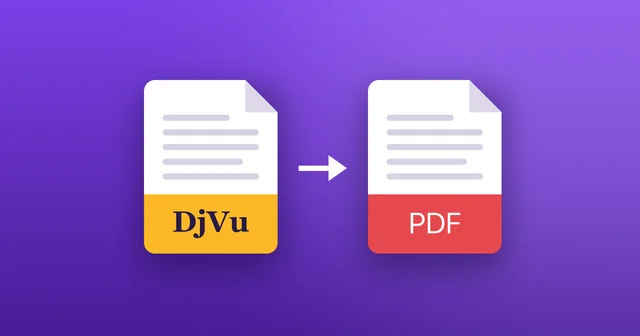
Yes: convert the DjVu file to PDF on a computer, and Books will open the PDF. But the PDF is usually larger, may lose its searchable text, and converting online means uploading your book. If you just want to read it, opening the DjVu directly is quicker. See how to convert DjVu to PDF.
Reading DjVu the way you read in Books
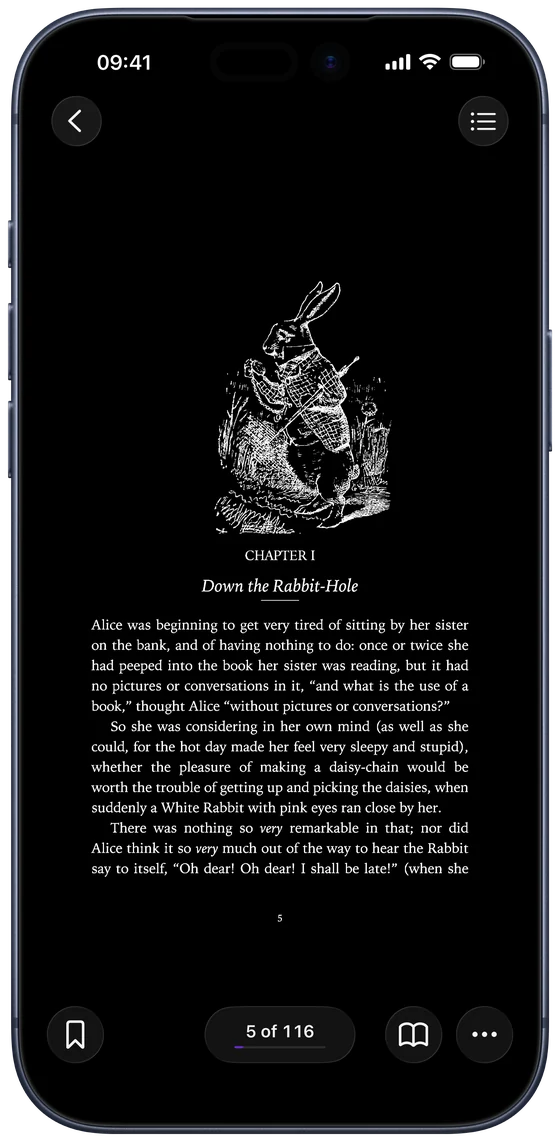
DjVu Reader gives scanned books the comforts you're used to:
- Continue Reading picks up where you left off.
- Page themes, including Sepia and Night, for reading in any light.
- Read Aloud reads pages to you, even scanned ones (Pro).
- Bookmarks, the book's contents and search.
Common questions
- Can I keep DjVu books in iCloud Drive?
- Yes. iCloud Drive stores .djvu files like any other file; open them from the Files app in DjVu Reader.
- Does Apple Books open scanned PDFs?
- Yes, Books opens PDFs, including scanned ones. It just doesn't open DjVu.
- Is DjVu Reader free?
- Yes. Reading is free and includes 3 free book uploads. DjVu Reader Pro adds unlimited uploads, Read Aloud, all page themes, search in scanned books and text export.

Open your first DjVu book.
Free on the App Store for iPhone and iPad.