Where to find DjVu books and read them on iPad
Updated October 15, 20262 min read
Millions of old books, journals and textbooks were scanned into DjVu. Here's where to find them legally and how to get them onto your iPad.
Free, legal places to find DjVu books
Stick to public-domain books and ones you have the right to download:
- Internet Archive (archive.org): millions of scanned books. Many older items list a DjVu file among their downloads.
- Wikimedia Commons and Wikisource: scans of public-domain books, many stored as DjVu.
- Digital libraries: many university and national libraries, especially in Eastern Europe, publish old books, journals and dissertations as DjVu.
- Your own scans: some scanning apps and programs can save in DjVu.
Download the book on iPad
In Safari, tap the DjVu download link and confirm. The file goes to your Downloads folder in the Files app (in iCloud Drive, or On My iPad). If it comes as a ZIP, tap it in Files to unpack it.
Open it in DjVu Reader
Open DjVu Reader, tap + in Library and pick the file from Downloads. Or tap the file in Safari's download list, tap Share and choose DjVu Reader. For books on your computer, use Settings › Wi‑Fi Transfer.
Keep your books organised
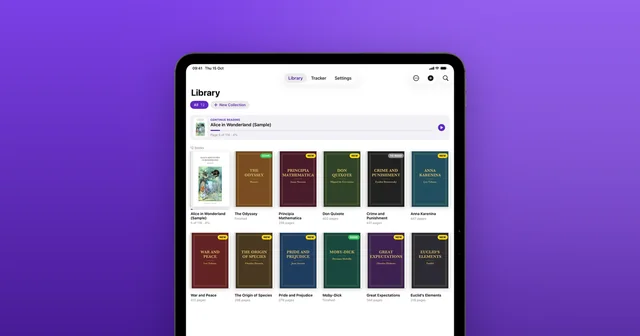
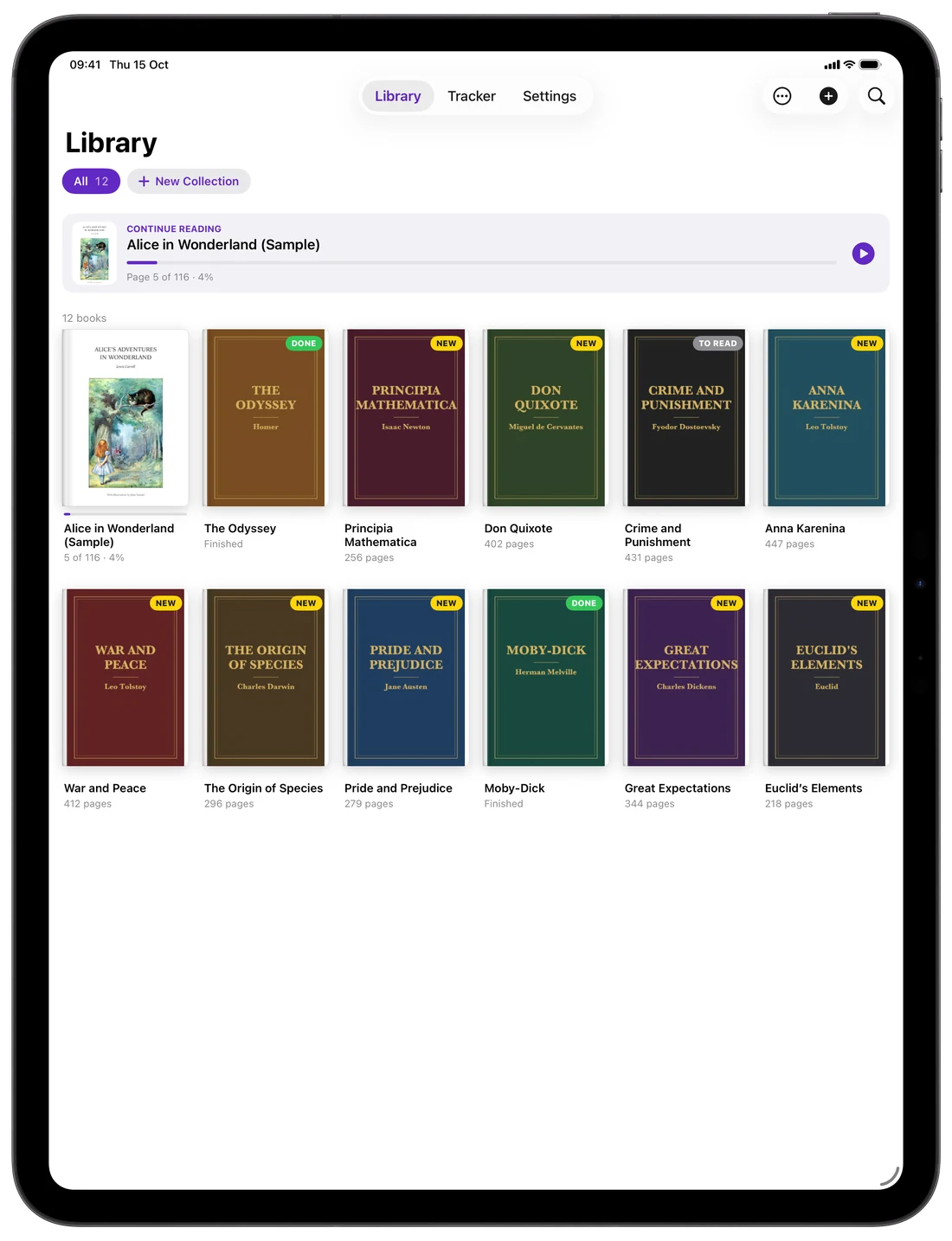
Each book appears as a cover in your Library. Group books into collections, mark them To Read, Reading or Done, and pick up where you left off from Continue Reading. Then make reading comfortable with these iPad tips.
Common questions
- Are DjVu books free?
- Many are, because they're scans of public-domain books. Others are still protected by copyright, so download only what you have the right to.
- Can I download books inside DjVu Reader?
- No. Download the file in Safari or any other app, then open it in DjVu Reader as shown above.
- How many books can I add for free?
- The free version includes 3 book uploads, plus the sample book. DjVu Reader Pro adds unlimited uploads.

Open your first DjVu book.
Free on the App Store for iPhone and iPad.