How to copy text from a DjVu book on iPhone
Updated October 15, 20262 min read
Need a quote, a formula's description or a whole chapter as text? Here's how to get the words out of a DjVu book on iPhone and iPad, including scans that have no text layer.
Copy a whole page: Extract Text
Open the book, tap ••• and choose Extract Text. A panel shows the text of the page you're on (or both pages of a spread) and follows you as you turn pages. Tap the copy button for Copy All, or select part of the text with your finger. Extract Text is free.
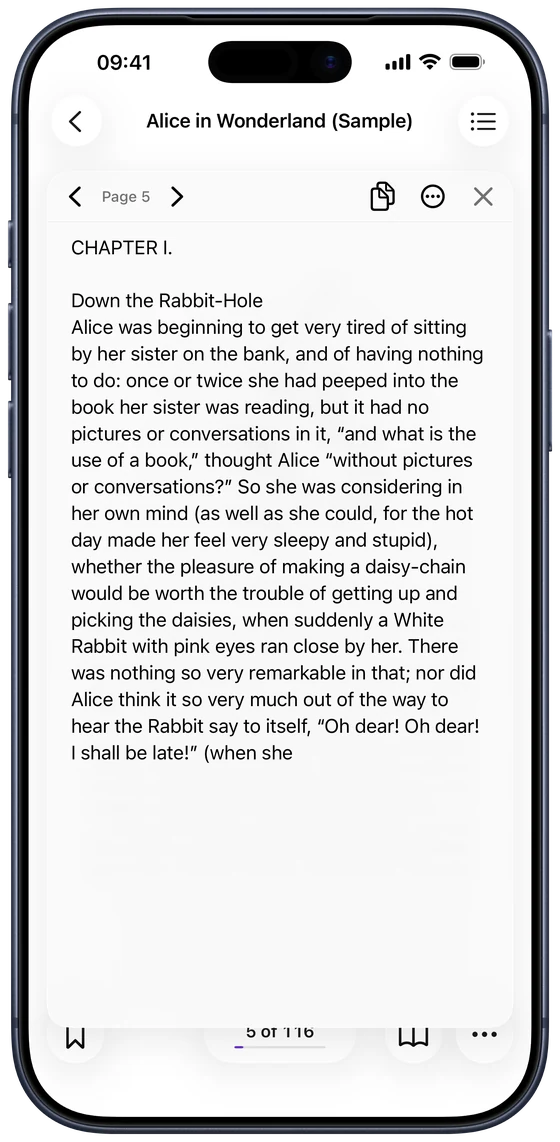
Select a few words right on the page
For a quick quote, touch and hold text directly on the page, just like in Photos. Drag the handles to select what you need, then copy, look it up, translate or share it. This uses Live Text, which works on recent iPhones and iPads.
Export a whole book as a text file
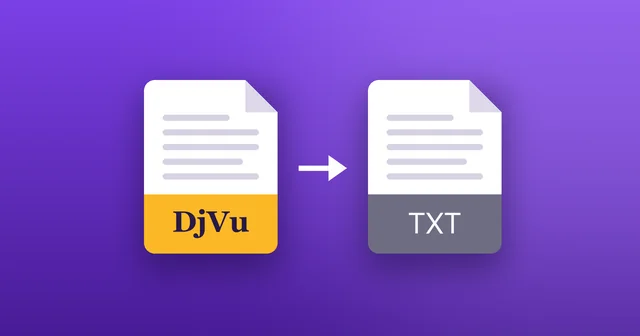
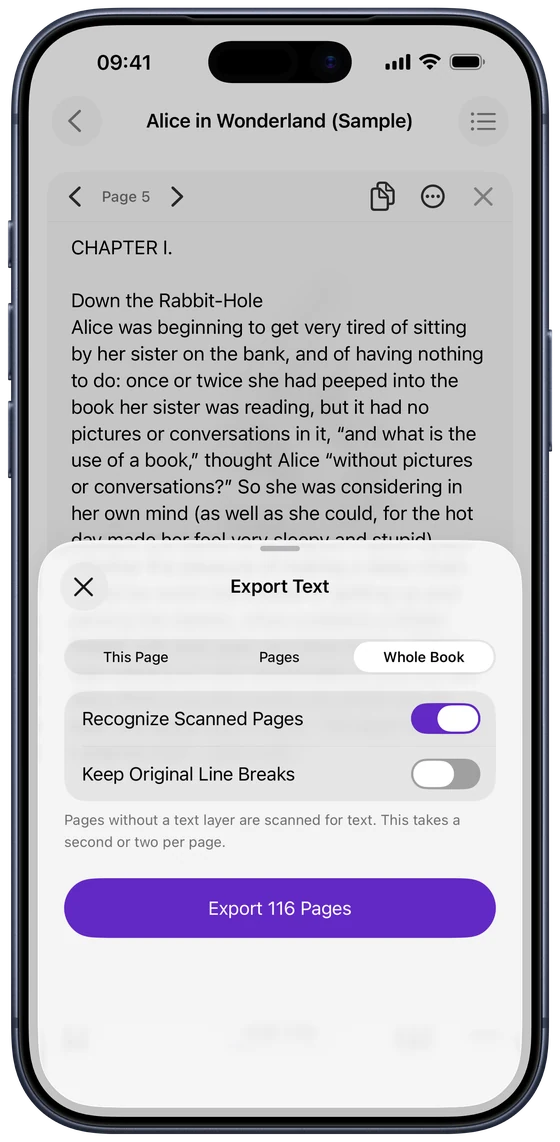
In the Extract Text panel, tap ••• and choose Export as Text File… (Pro):
- Choose This Page, a range of Pages, or the Whole Book.
- Keep Recognize Scanned Pages on to include scans without a text layer. It takes a second or two per page.
- Tap Export and save the .txt file to Files, or send it to another app.
How DjVu Reader gets text from scans
Some DjVu books carry a hidden text layer; DjVu Reader uses it when it's there. When a page is only a picture, the app recognises the text on it (OCR) on your device, with nothing uploaded. Recognised text is marked as such, because faded print, unusual fonts or formulas can come out with mistakes.
Tips for cleaner text
A few settings help:
- Keep Original Line Breaks: off by default, so lines are joined into paragraphs and words split by a hyphen are put back together. Turn it on for poems or lists.
- Text Size: make the panel's text larger or smaller from its ••• menu.
- Language: recognition follows Settings › Reader Settings › Read Aloud Language. Setting the book's language can improve the result.
Common questions
- Can I convert a DjVu book to text?
- Yes. Export as Text File saves the whole book, or any pages, as a .txt file (Pro).
- Is copying text free?
- Yes. Extract Text, Copy All and selecting text on the page are free. Exporting a text file is part of Pro.
- Why does the copied text have mistakes?
- On scans without a text layer, the text is recognised from the page image. Faded print, old fonts and formulas can confuse recognition, so check important quotes against the page.
- Does it work offline?
- Yes. Text recognition runs on your device, and nothing is uploaded.

Open your first DjVu book.
Free on the App Store for iPhone and iPad.